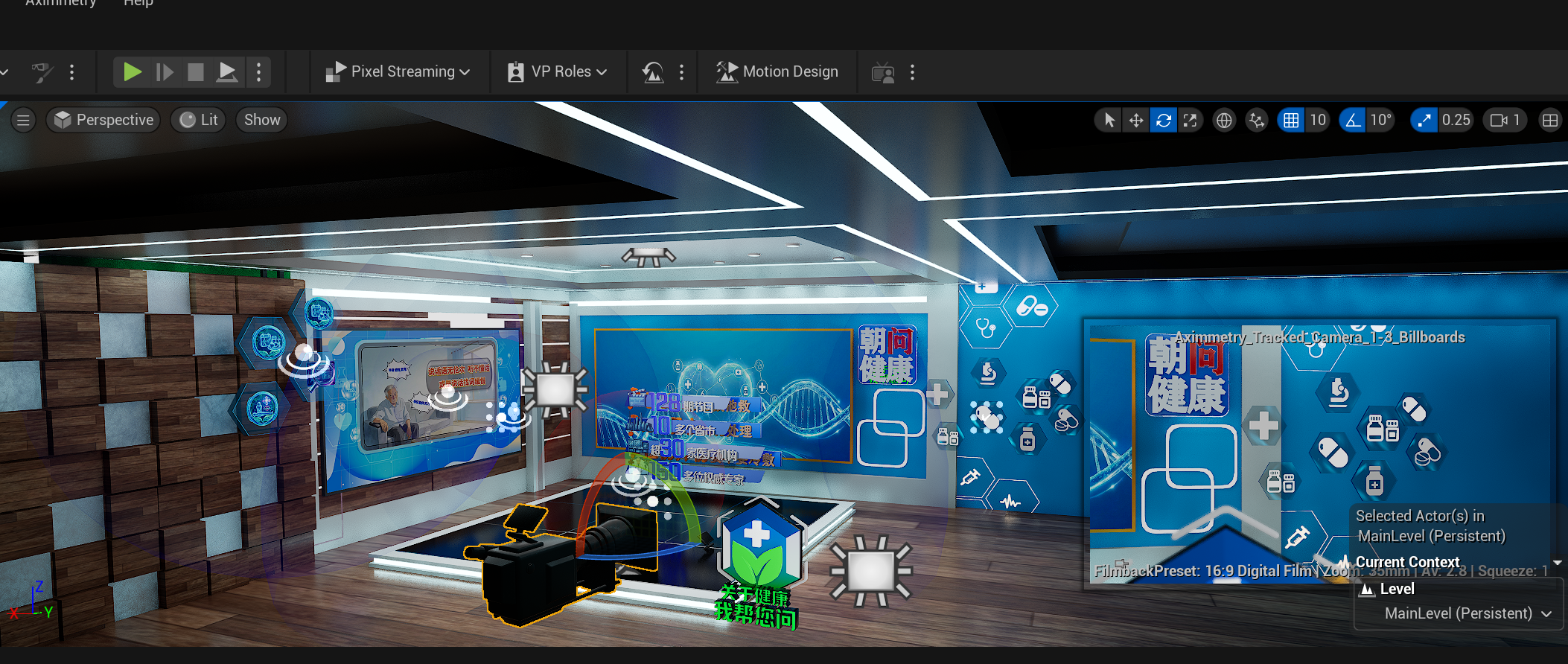
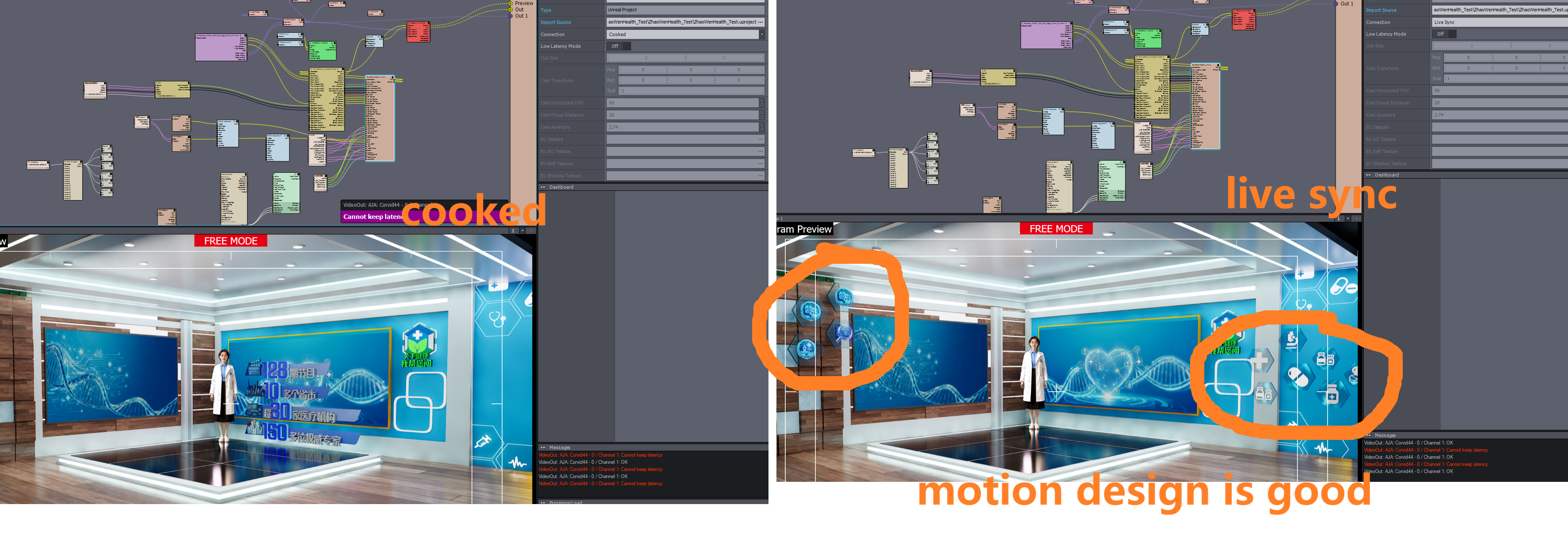
motion design object don't appear in the cooking mode

Hi,  i recently used motion design plugin in my 2025.2.0 project,and got two question which may need your help.

1. Translucent motion design Objects can't put in front of the billboard after the setting below

Unreal Scene Setup (Green Screen) - aximmetry.com --- Unreal Scene Setup (Green Screen) - aximmetry.com

2.motion design object don't appear in the scene in the cooking mode

Thanks for reading.
   CUC_STU

Comments

Eifert@Aximmetry
  -  

Hi,

1. Did you enable the Render CustomDepth Pass? If so, let us know where you activated it. This setting can sometimes be tricky to manage with Motion Design elements. For reference, see this discussion:  https://my.aximmetry.com/post/4571-impossible-to-put-billboard-in-front-of 

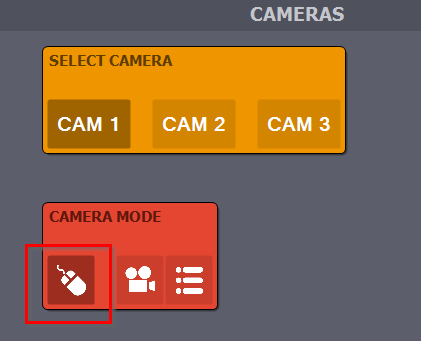
2. Are you certain that cooking finished successfully in the Unreal Editor? If so, ensure you are positioned near the Motion Design elements within Aximmetry. You can use the Free Camera mode to easily move and find the Motion Design elements:
motion design object don't appear in the cooking mode

Warmest regards,

CUC_STU
  -  

Thanks for your advise, i can use the blueprint to trigger the  Render CustomDepth Pass enable,but the motion design object don't appear in the scene in the cooking mode , as you can see in the picture

motion design object don't appear in the cooking mode

Eifert@Aximmetry
  -  

Hi,

Do motion design elements visible in Live Sync after you exit the Motion Design Editor interface?

If not, this likely means that the actual motion design elements are either not added to your level or are not being triggered correctly.

Additionally, make sure that your Starting Map - Game Default Map in the Unreal Editor is set to the same map you are using in Live Sync: https://aximmetry.com/learn/virtual-production-workflow/obtaining-graphics-and-virtual-assets/creating-content-in-unreal-editor/preparing-the-unreal-project/#opening-existing-project
A different map might be loaded compared to what you use in the Unreal Editor (Live Sync) if the Game Default Map is not properly set.

Lastly, do you see any errors or warnings in the Output Log of Unreal Editor when cooking your project? Any errors there could indicate what is going wrong.

Warmest regards,

CUC_STU
  -  

1.yes, motion design elements is visible in Live Sync after exit the Motion Design Editor interface.

motion design object don't appear in the cooking mode2. default map is the same map which i use  in the live sync mode
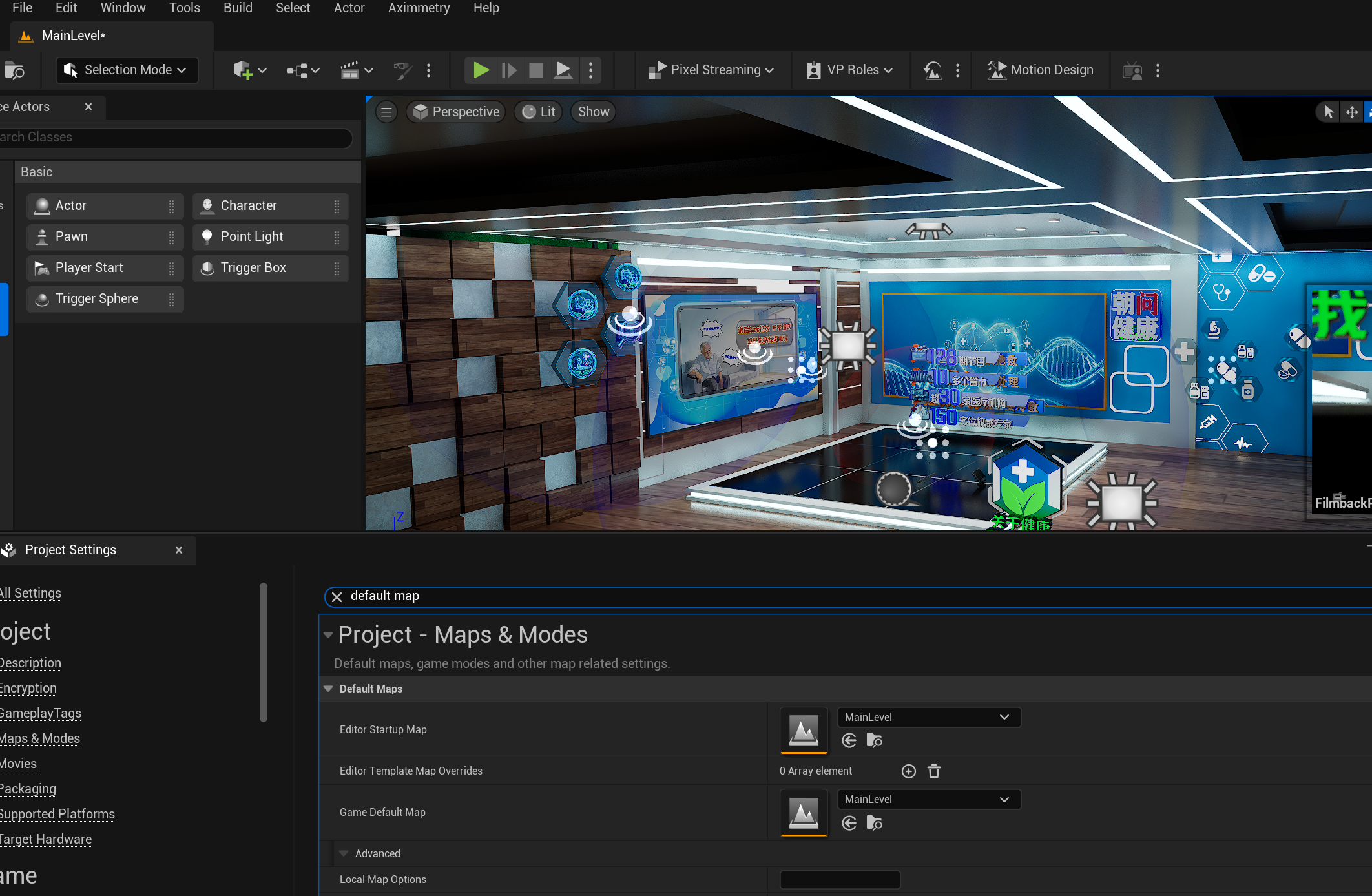


motion design object don't appear in the cooking mode

3. there is some warnings like this,does that matter

LogStaticMesh: Warning: Invalid material [M_Glass_ColoredBlue_Inst] used on Nanite static mesh [NEWS103_Box034]. Only opaque or masked blend modes are currently supported, [BLEND_Translucent] blend mode was specified. (NOTE: "Disallow Nanite" on static mesh components can be used to suppress this warning and forcibly render the object as non-Nanite.)

i have fixed the warnings by disable the nanite for the static mesh, and here is the warning and errors show the log after cooking finished.

motion design object don't appear in the cooking mode


CUC_STU
  -  

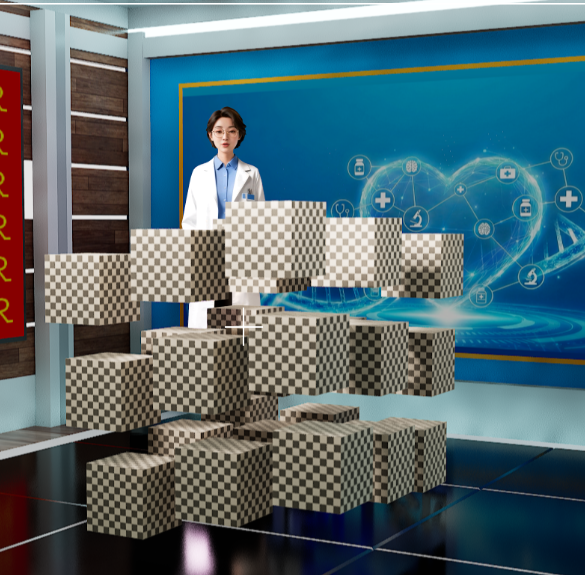
Here is a simple case,i just add a motion design cloner actor ,it is still shows in the live sync mode only.

motion design object don't appear in the cooking mode

Steps Taken to Resolve (Unsuccessful):

Blueprint Force-Activation: Used Get Aximmetry Trigger and Set Component Tick Enabled in the Level Blueprint to target the ClonerComponent and EffectorComponent on BeginPlay.

Visibility Helpers: Verified that Actor Hidden in Game is false and Start with Tick Enabled is true.

Manual Transformation: Confirmed the Cloner coordinates are correct; the assets are not simply "off-camera."

Questions:

Does the Aximmetry DE 2025.2.0 runtime fully support the procedural mesh generation of the Motion Design (Avalanche) plugin in cooked mode?

Is there a specific Loading Phase or Project Setting required to prevent these dynamic actors from being stripped during the Aximmetry cooking process?

Thanks.