Unexpected Frame Jump When Switching From Tracked to Virtual Camera in Aximmetry

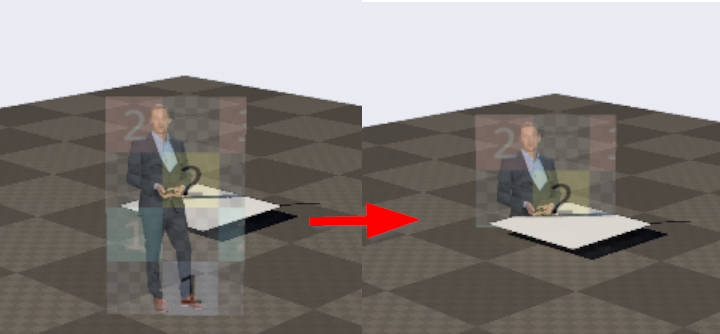
In Aximmetry Composer (latest version) I have a Mixed Cam Unreal project. Whenever I switch from the tracked camera to the virtual camera, I get an error (after recording the file and analyse I can see It is a wrong 1 frame from another camera between the images). What could be causing this?

Here is a JPG that shows the issue. 

Unexpected Frame Jump When Switching From Tracked to Virtual Camera in Aximmetry

Here is a video that shows the issue. 

https://youtu.be/nD5J2SLVajM

We are planning to record early January 2026.

   Megamorty

Comments

Stefan Reck
  -  

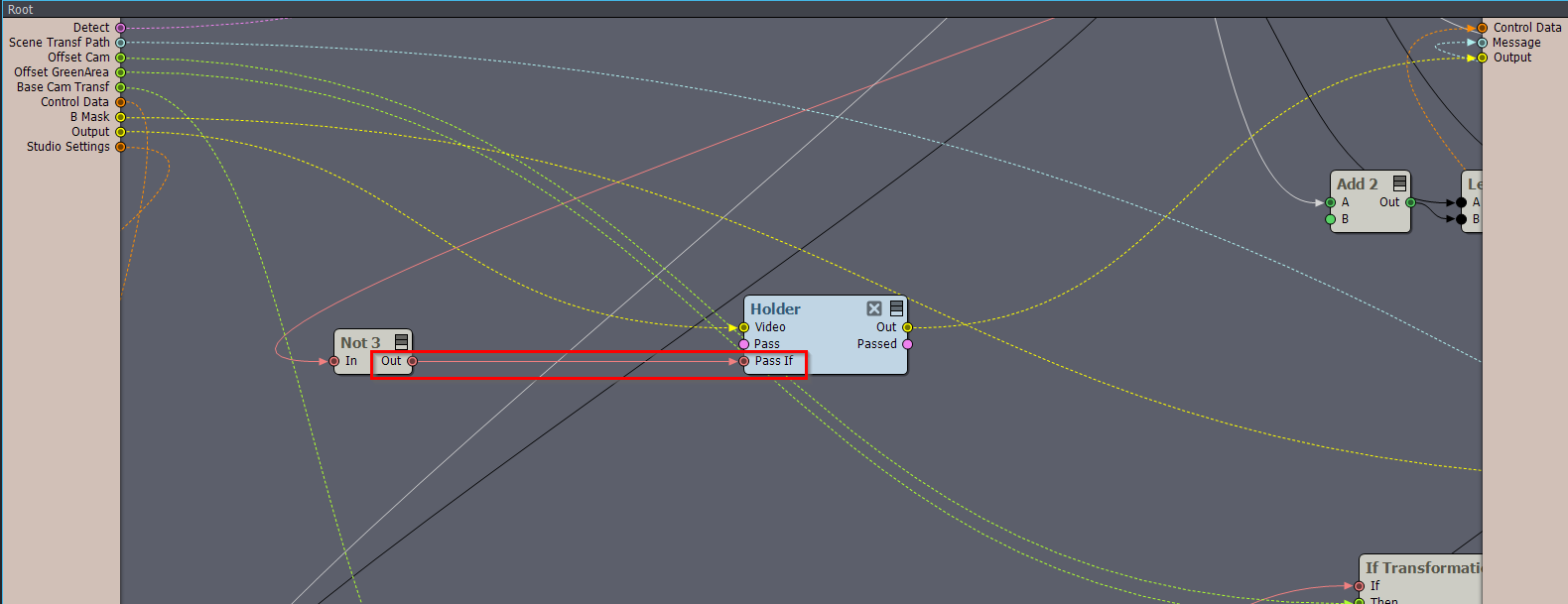
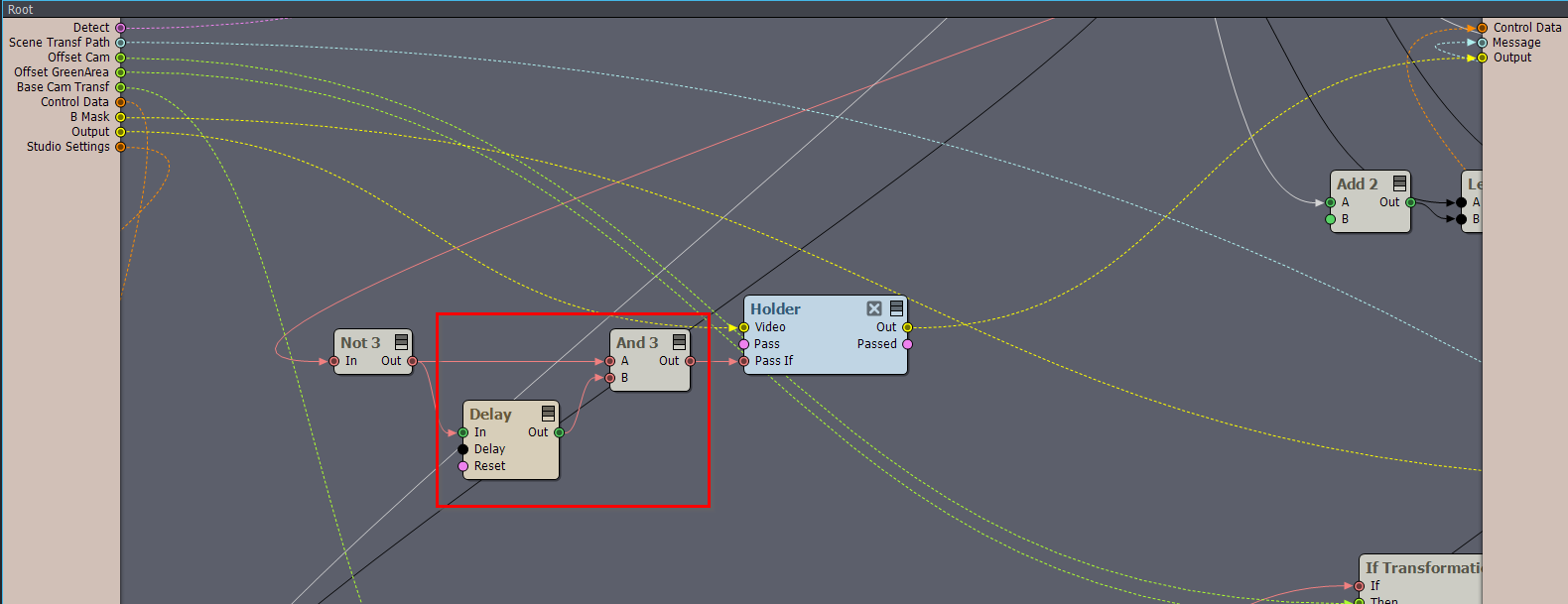
We have the same problem here on a a single workstation in 2025.3.0 Broadcast DE. TRX50, Threadripper, 4090. No virtuals, keying in Aximmetry. All performance indicators are way in the green. Whenever we switch from a VCAM to a TCAM or the other way round in the 3+3 Mixed Cam compound a complete erroneous frame is inserted before the actual cut takes place. You can see it in the video at 00:14. The frame counter in the virtual background (just a 30fps loop from 0 to 510) advances smoothly until 12. At this moment the switch camera command is given. The frame counter seems to hang for a frame while the rotating flag in the real foreground keeps advancing. The next frame is rendered normally again. Then the actual switch occurs, but to a frame that is completely off both in virtual and in real. Finally (frame 15) the picture returns to normal again.

It happens again at 00:42 (frame 184 to frame 187 in the background) when we switch from TCAM to VCAM.

The biggest problem is that this used to work flawlessly in 2025.1.0, so what got broken...? We need to go back to producing normally very soon, currently we can´t use our VCAM because of this.

https://harmonicsound.wetransfer.com/downloads/e586b01d13124dd8873716d8321abb5f20251216165727/a334631924d3c965d636d8989028899020251216165737/a9741e

Megamorty
  -  

Hi Stefan,

did you get any response from Aximmetry?

I also wrote them but haven’t received anything back yet.

In my setup it jumps to an entirely wrong camera. I even opened an old project that ran perfectly in the version from October, and now it shows the same issues. I really hope we get some support soon and can solve the problem — otherwise we’ll have to downgrade to the previous version.

Stefan Reck
  -  

I haven´t gotten a personal response either, but I´d just give Eifert and the team some time to figure this one out. They like to discuss and communicate issues like this in the forum as it is much easier to collect user input this way.

Can you confirm that this wasn´t an issue in 2025.2.0? I need to look into how much effort it would take to convert our UE projects back down to 5.5.4 . I'd rather avoid that as I would then have to switch back to a higher version once that bug is fixed; There are some features only available from 2025.3.0 like billboards with a horizontal section that we really need to make our sets work.

Our plan B is to convert the one VCAM we have to a TCAM with VR paths. That´s going to be a bit of a challenge though as to my knowledge the VR paths currently do not have a sequencer control input and also the tracking camera recorder module does not record them. So that would mean getting my hands dirty inside the tracked camera module to graft a camera sequencer input onto it. OTOH that might be the more robust solution in the long run; Aximmetry´s dual camera model in UE has always felt a bit kludgey and rough around the edges to me, and I get the impression that UE isn´t really playing nicely with this either.

Megamorty
  -  

Hi Stefan,

absolutely positive. I opened the old project, updated the Unreal file, recooked it, and recalibrated the PTZ cameras since they sit lower than during the last recording.

It could also be that a preference changed somewhere and wasn’t carried over from the old version to the new one. If Aximmetry can’t help, I’ll need to take the same detour and roll everything back to the state before the January recording.