Hi,
here is my Environment:Aximmetry 2025.2.0,Camera & Lens: Sony 2580 with Canon Broadcast Lens.
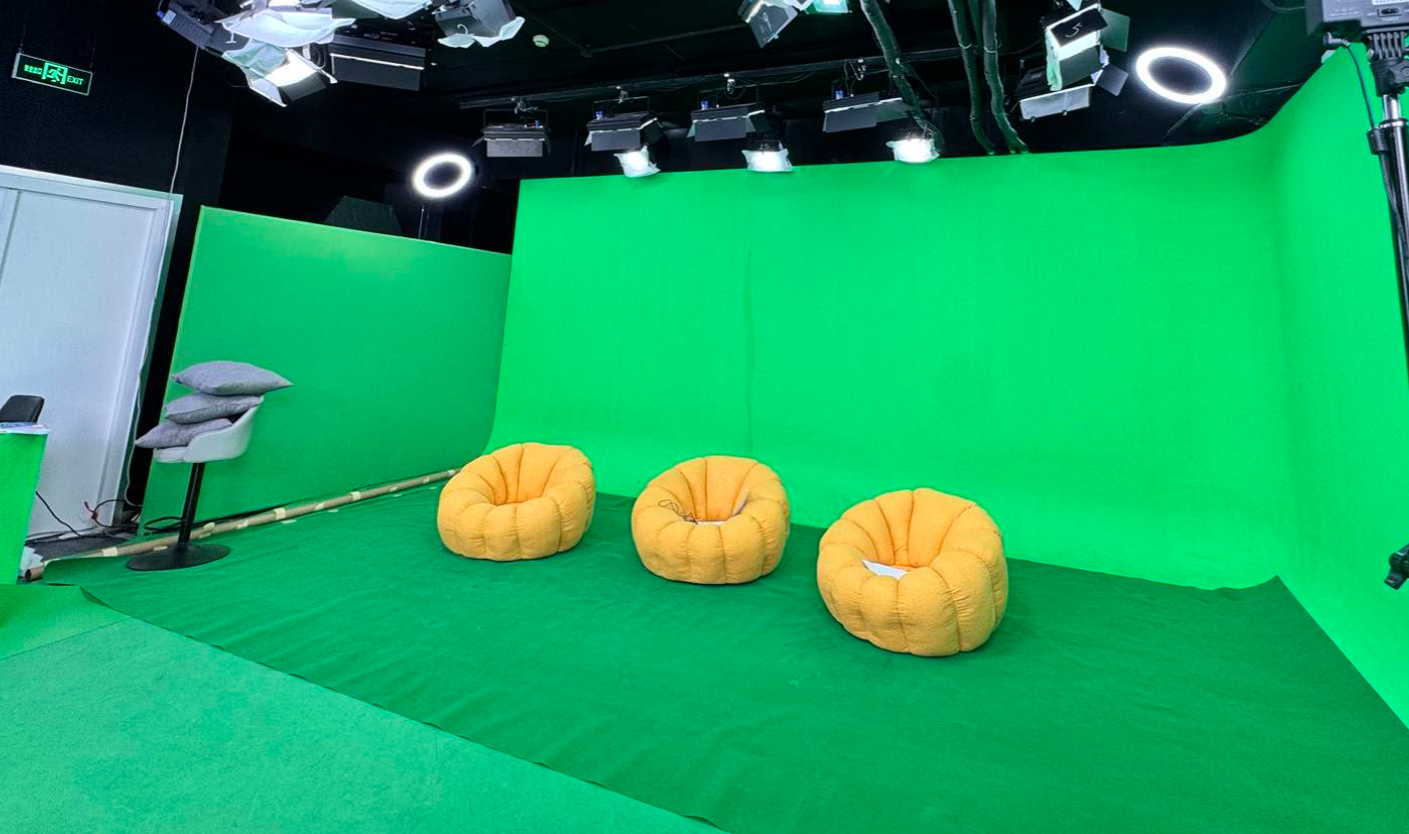
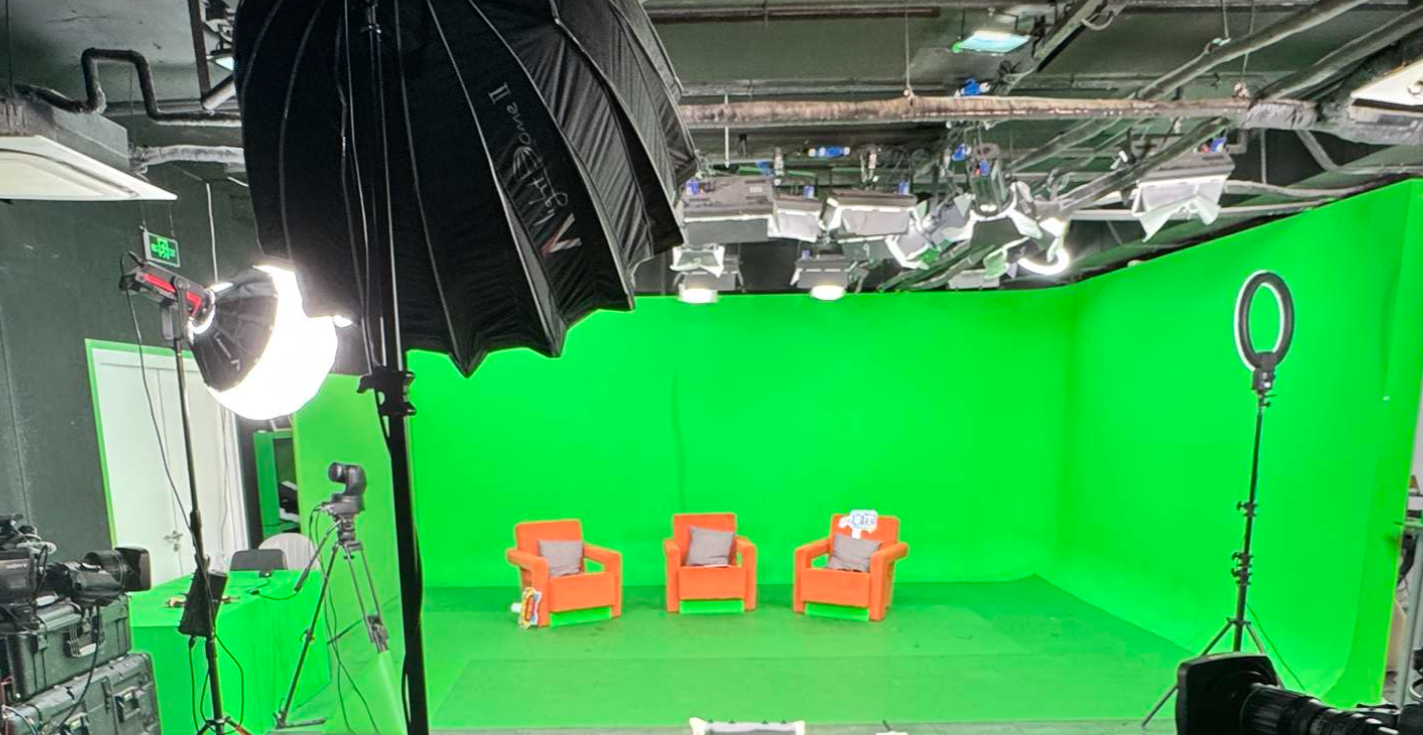
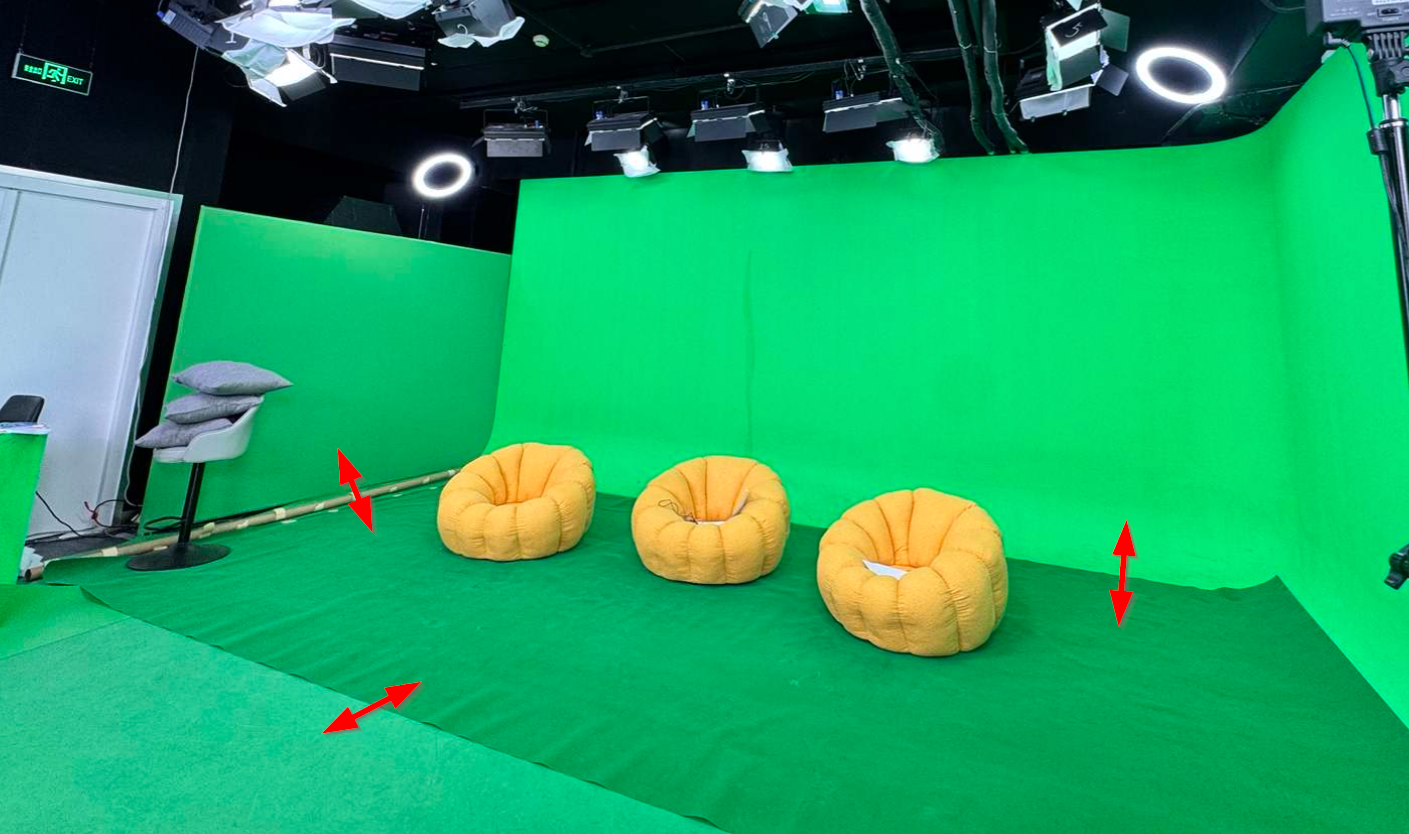
Physical Set: Small-scale green screen studio (High spill reflection due to limited distance/lighting).
Target: A yellow prop board and a talent with significant green spill.
The Issue: I am facing a critical trade-off between Yellow Preservation and Color Balance when using the Advanced Keyer B in Aximmetry.
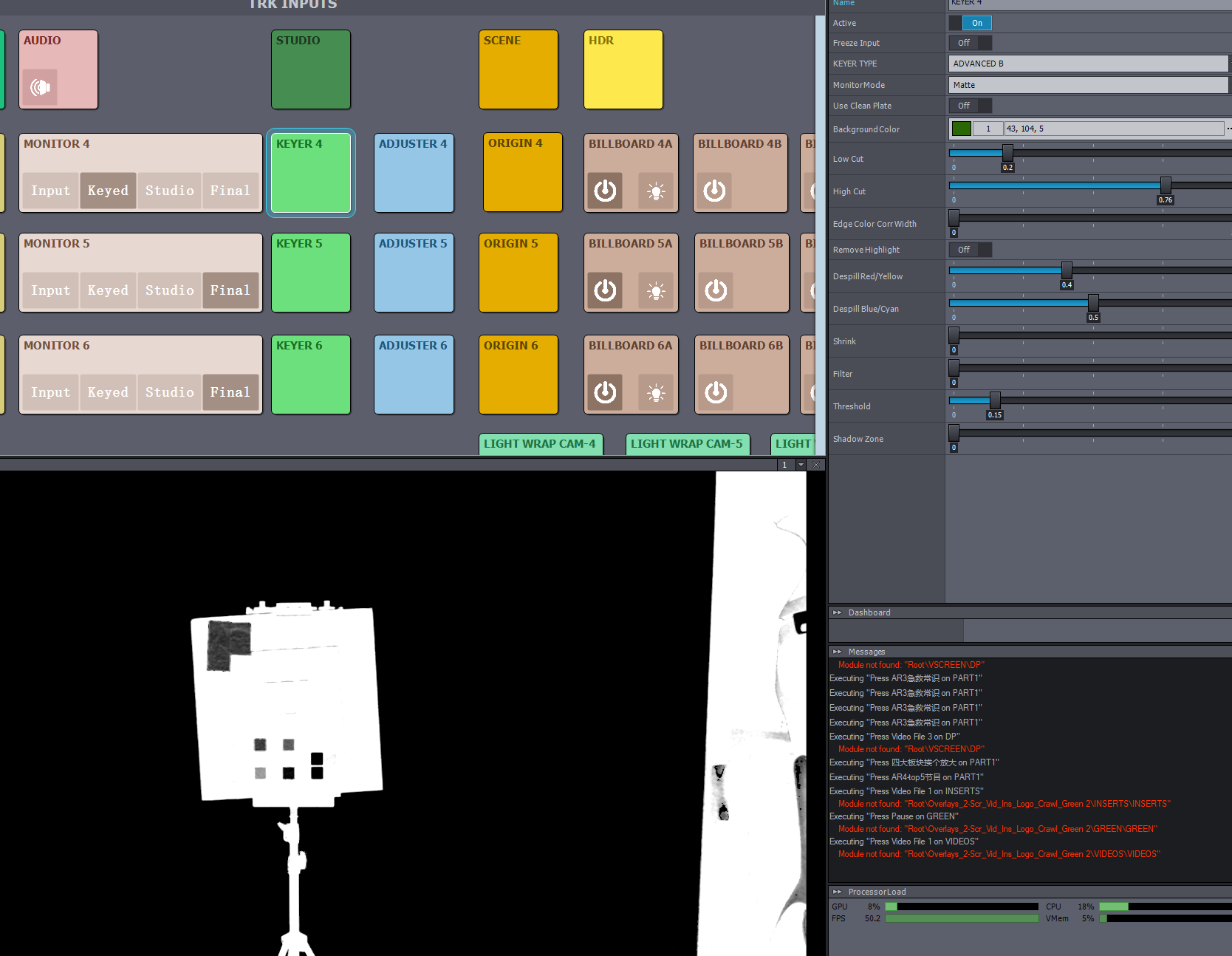
Yellow vs. Despill: To protect the yellow prop from being keyed out or turning gray, I must increase Despill Red/Yellow (typically from 0.5 to 0.8). However, this high value prevents the yellow from being treated as "greenish," but at the cost of the entire image.
Red Over-compensation: As Despill Red/Yellow increases, the talent becomes noticeably reddish compared to other camera angles. The algorithm seems to inject excessive red gain to compensate for the green loss, but it lacks the precision to isolate the yellow prop from the talent’s skin tones.
Comparison: Compared to hardware keyers like the Ultimatte 12, Aximmetry's Despill Red/Yellow parameter has a much more aggressive and global impact on skin tones, making it difficult to achieve a natural look in high-spill environments.
Here is my question, Is there a way to limit the Despill Range specifically for the Yellow/Red axis, or a method to adjust the Color Replacement Balance within the Keyer 2 Phase C node to prevent this global red tint while maintaining the yellow prop's integrity?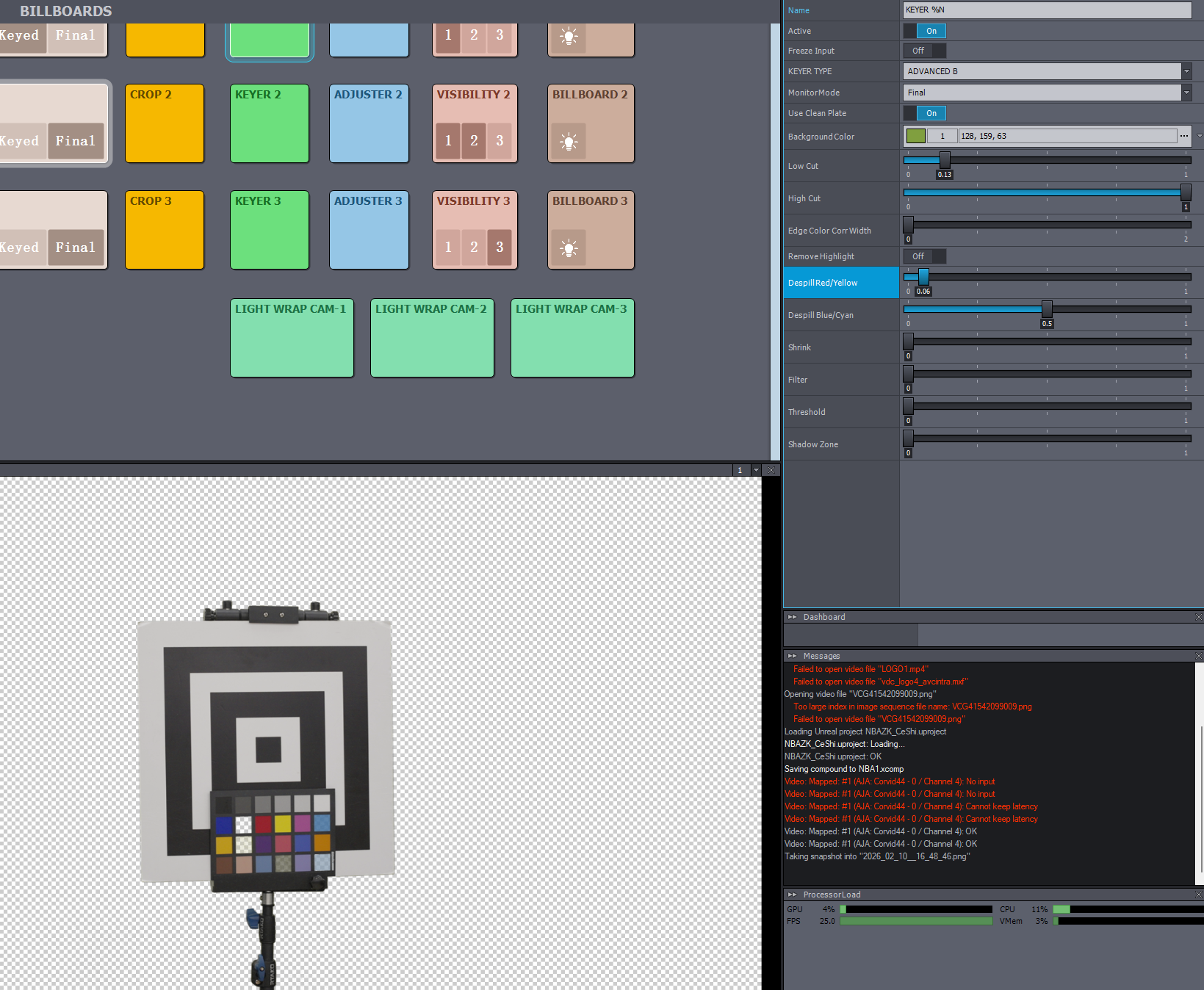
Yellow is saved,but green is also saved
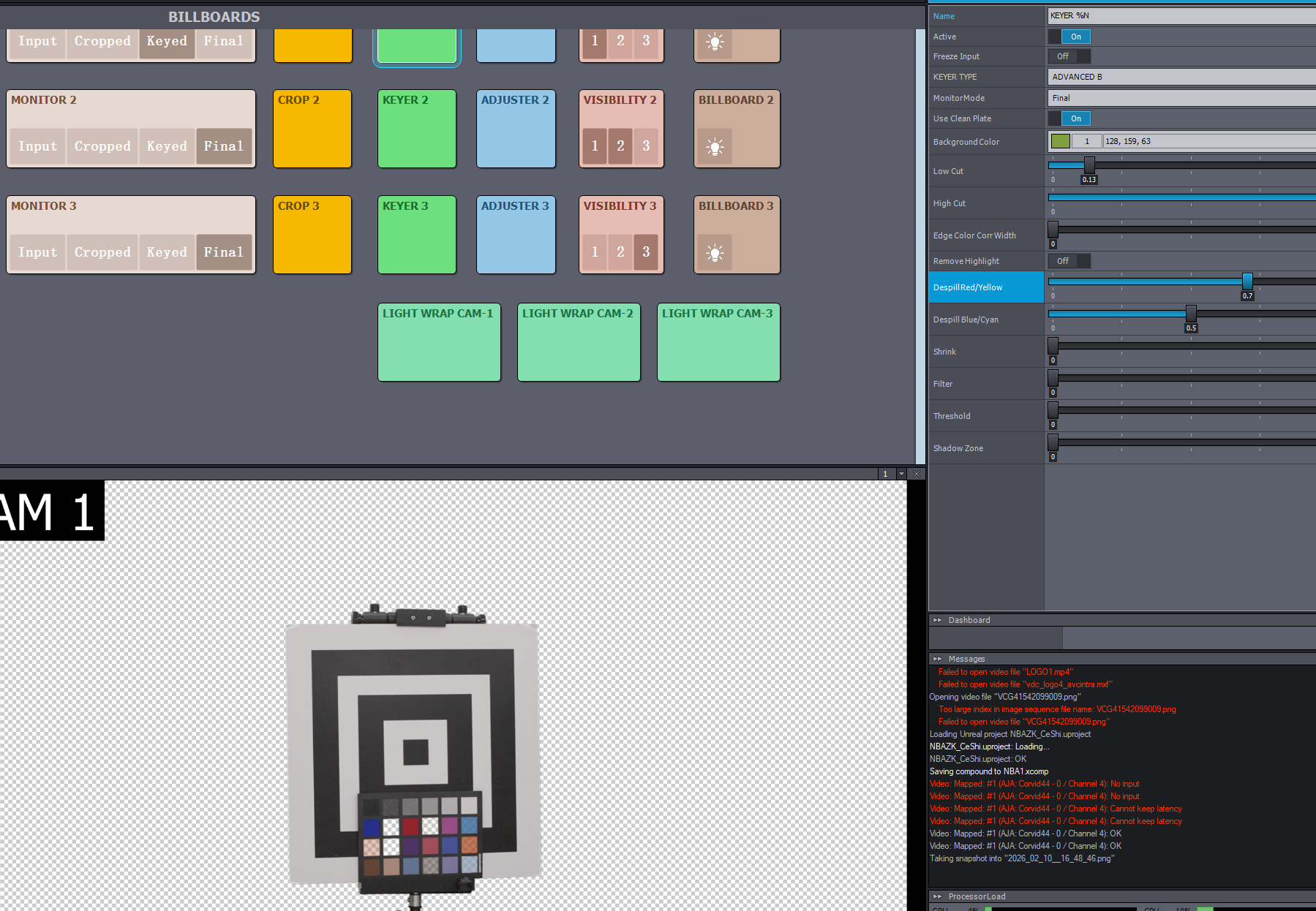
yellow is loss, and the talent became reddish
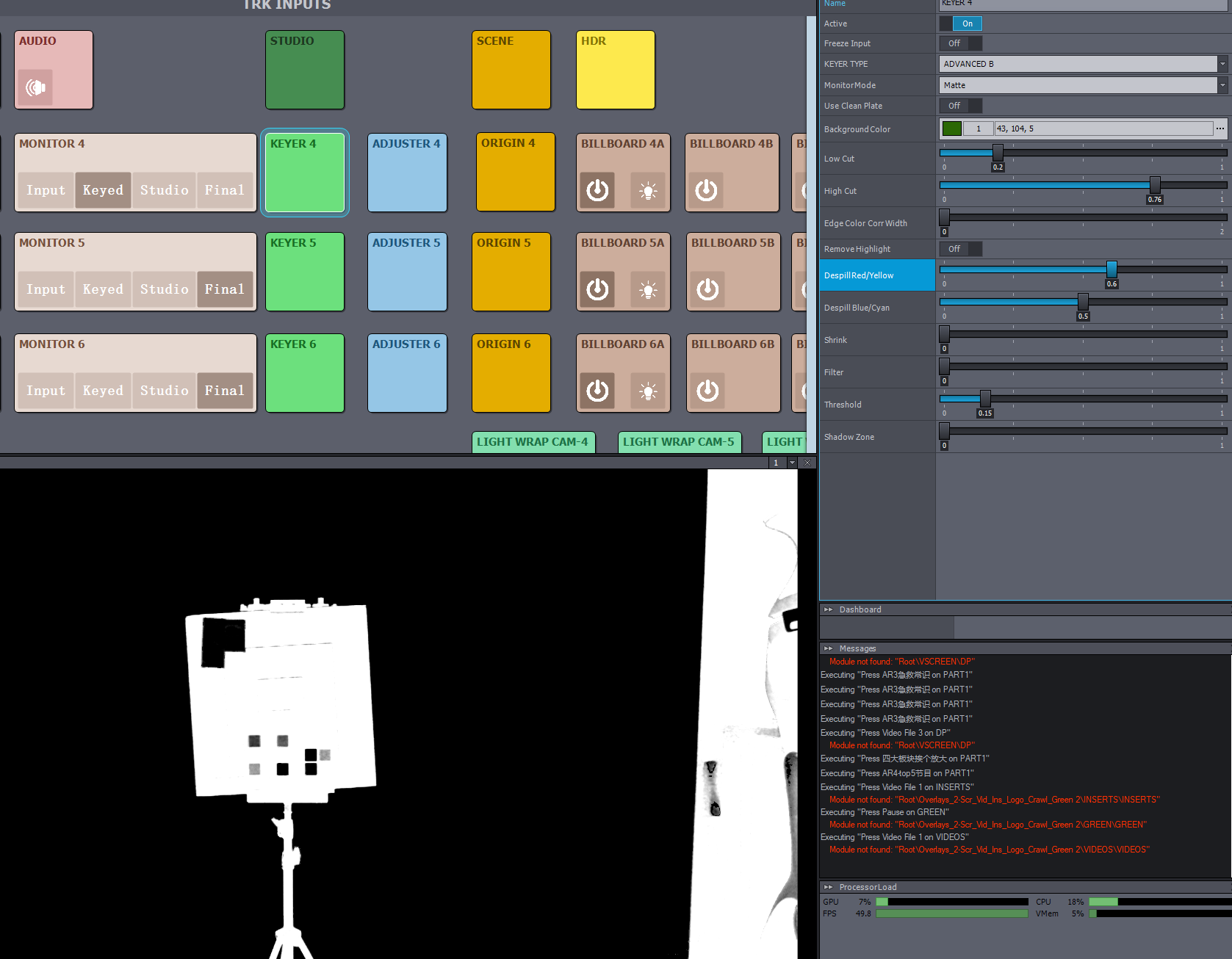
Hi,
If your talent appears reddish, it likely means you have increased the Despill Red/Yellow parameter too much. The effect is not linear, and usually, the optimal range is between 0.4 and 0.6. A value of 0.8 is quite high.
If your issue is that a yellow prop is being keyed out due to a high Despill Red/Yellow value, you can try to prevent this by adjusting other settings in the keyer. For a detailed explanation of the different parameters, please refer to our documentation: https://aximmetry.com/learn/virtual-production-workflow/green-screen-production/keying/keying
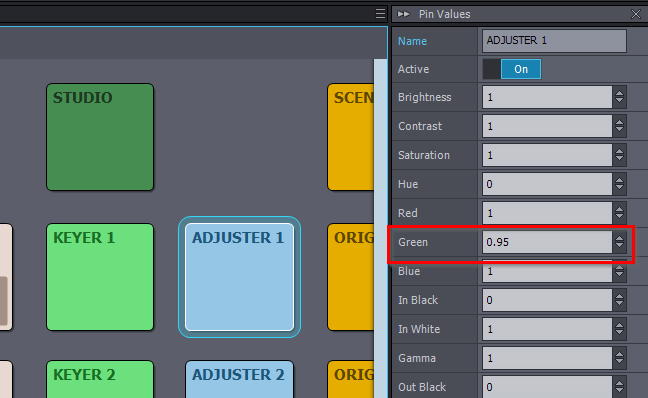
Additionally, you can use the ADJUSTER panel, located next to the KEYER panel, to perform further color correction on the input.
Ensure that your camera image is not overexposed (for example, use the Zebra setting on your camera), as overexposure can lead to issues similar to what you described.
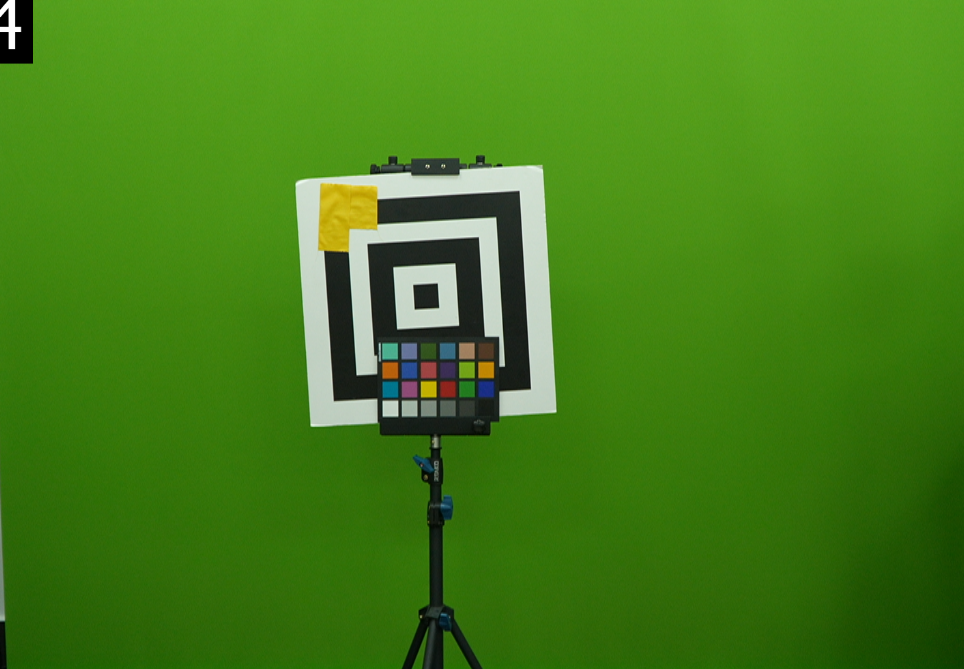
An additional screenshot showing the green background and the yellow prop would be helpful for further troubleshooting.
Warmest regards,