我装的是UE5.1 VaRest插件 按照官方说明装的插件,一直报这个错
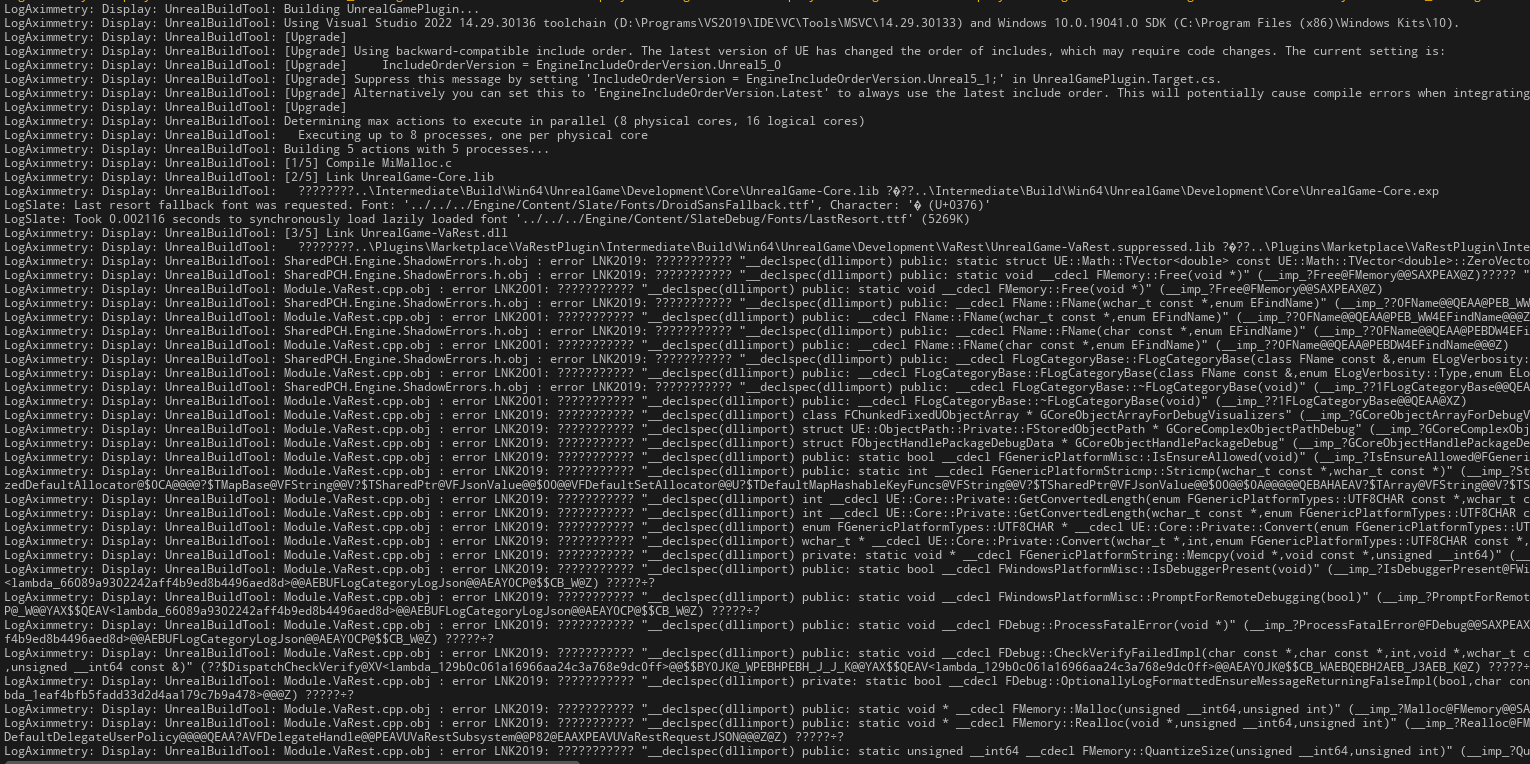
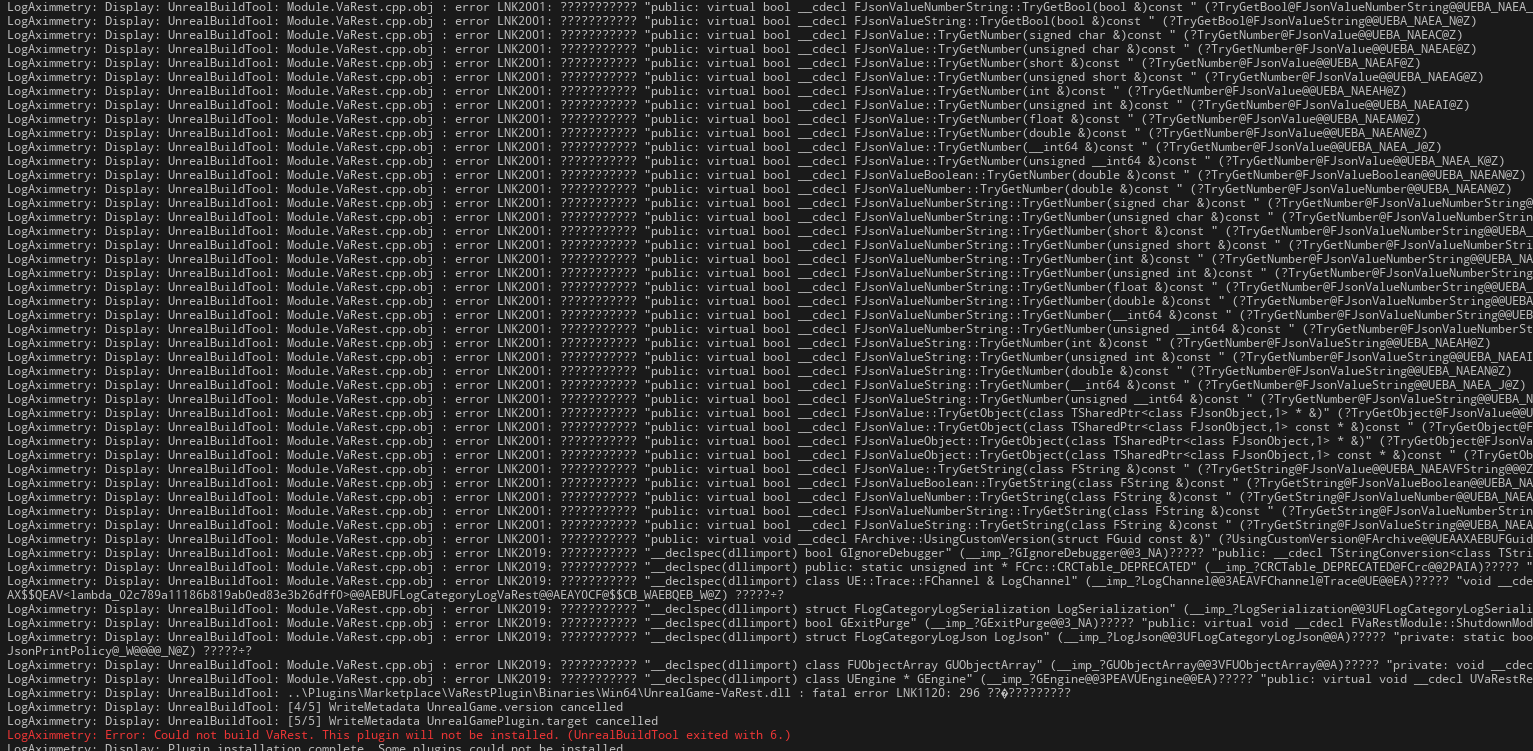
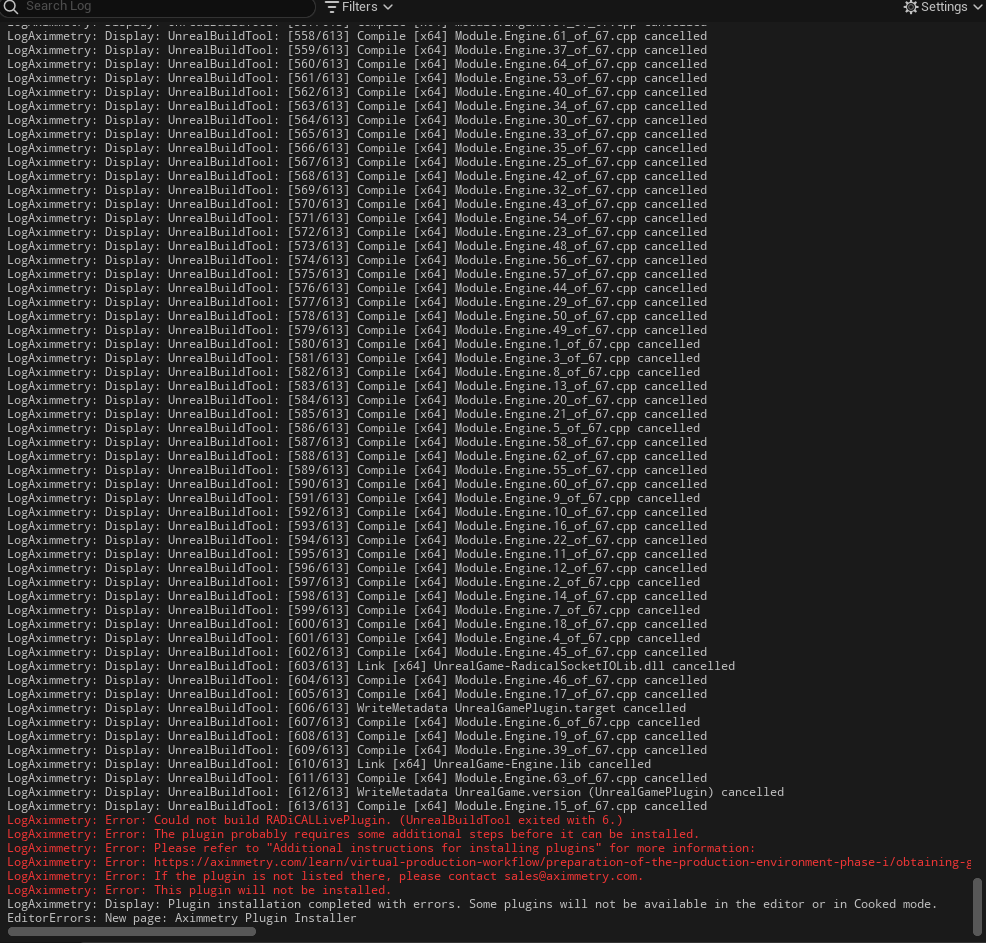
LogAximmetry: Display: UnrealBuildTool: [612/613] WriteMetadata UnrealGame.version (UnrealGamePlugin) cancelled
LogAximmetry: Display: UnrealBuildTool: [613/613] Compile [x64] Module.Engine.15_of_67.cpp cancelled
LogAximmetry: Error: Could not build RADiCALLivePlugin. (UnrealBuildTool exited with 6.)
LogAximmetry: Error: The plugin probably requires some additional steps before it can be installed.
LogAximmetry: Error: Please refer to "Additional instructions for installing plugins" for more information:
LogAximmetry: Error: https://aximmetry.com/learn/virtual-production-workflow/preparation-of-the-production-environment-phase-i/obtaining-graphics-and-virtual-assets/creating-content/creating-content-for-aximmetry-de/ue5-how-to-install-third-party-code-plugins-for-unreal-editor-for-aximmetry/#additional-instructions-for-installing-plugins
LogAximmetry: Error: If the plugin is not listed there, please contact sales@aximmetry.com.
LogAximmetry: Error: This plugin will not be installed.
LogAximmetry: Display: Plugin installation completed with errors. Some plugins will not be available in the editor or in Cooked mode.
EditorErrors: New page: Aximmetry Plugin Installer
您好,
因为您在用Aximmetry v.2023.1.0, 您需要参考合适的文章:
https://aximmetry.com/learn/archives/virtual-production-workflow-old-documents/preparation-of-the-production-environment-phase-i/obtaining-graphics-and-virtual-assets/creating-content/creating-content-for-aximmetry-de/installing-plugins-before-aximmetry-2024-1/
如果您可以的话,我推荐更新使用最新版本 (v2025.3.0 跟 UE5.6)。您想用的插件支持使所有UE5的版本。
此致敬礼,
您好,
我们检查了问题。好像原因是虚幻编辑器出现成错。插件没问题。
您可以避免这个问题如果您删除Epic Unreal的'Intermediate'文件夹。
它的默认位置是:"c:\Program Files\Epic Games\UE_5.1\Engine\Intermediate"
您把Intermediate文件夹删除之后可以再试试安装插件。这时候应该能装它。
此致敬礼,