3DGS Render

Hello,

I am currently using Aximmetry 2025.3.0.

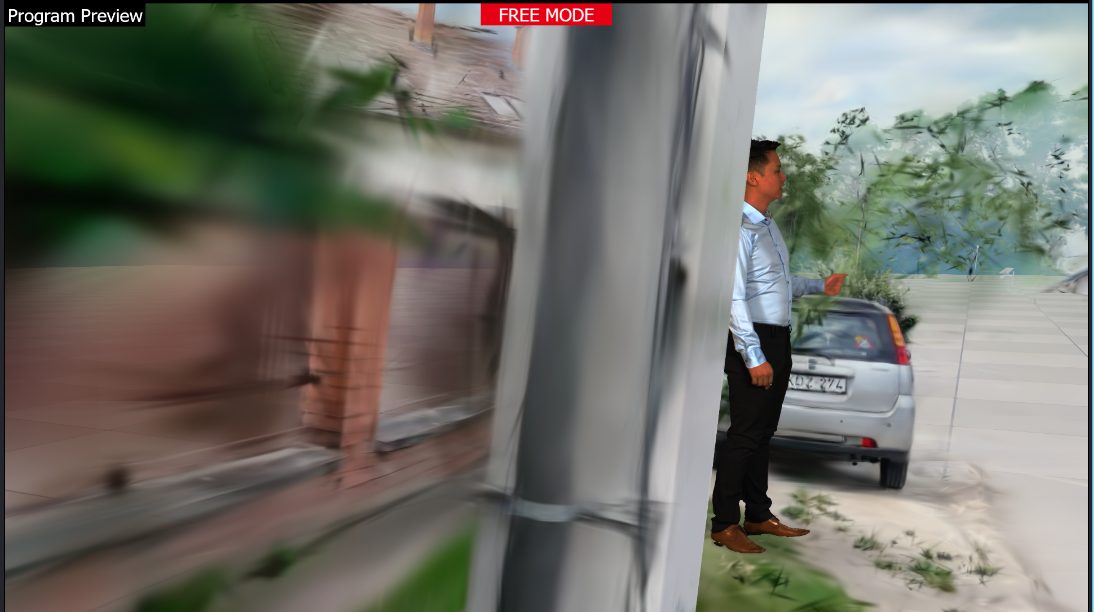
I created a level asset using 3DGS and am using it in my project. However, I am encountering an issue with the billboard rendering order.

The billboard is always rendered in front of the objects scanned with 3DGS, even when it should be occluded by those scanned objects. In other words, the billboard should be hidden behind the 3DGS-scanned objects when appropriate, but this is not working correctly.

Here is a video link showing the issue for reference. 


https://naver.me/5o0DesKp


Anyone please help me.

   ecomice

Comments

Patrik@Aximmetry
  -  

Hello ecomice,

The easiest solution is to turn off Allow Virtuals https://aximmetry.com/learn/virtual-production-workflow/green-screen-production/tracked-camera-workflow/scene-control-panel/#allow-virtuals.
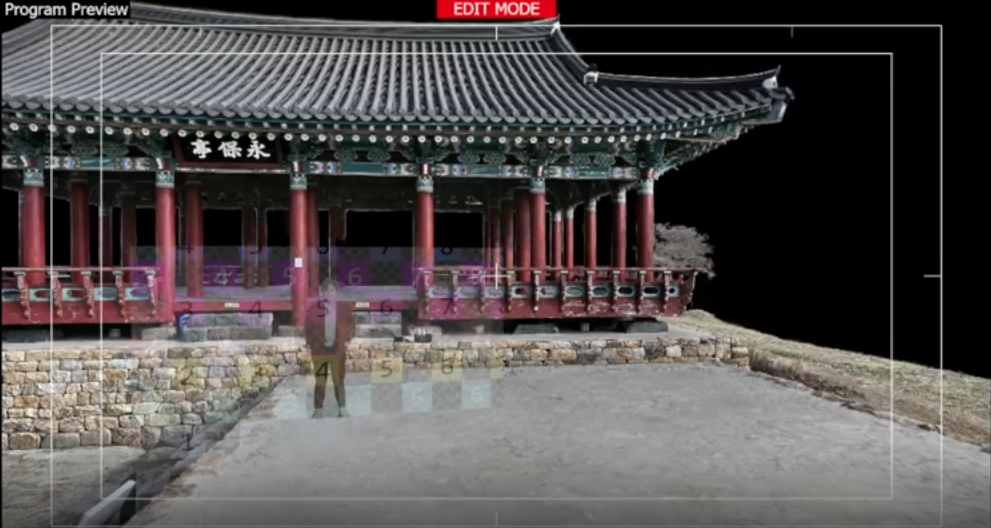
This way Aximmetry will render the billboard, and it will be occluded by parts of the GS that are in front of it.
In your example you can see that the bottom of the billboard is occluded by the ground:
3DGS Render

With Allow Virtuals on and general UE assets you should enable Custom Depth Pass as detailed here: https://aximmetry.com/learn/virtual-production-workflow/green-screen-production/unreal-scene-setup-green-scre#objects-in-front-of-the-billboard.
However this option may not be available with GS assets.

Best Regards,
Patrik

ecomice
  -  

When Allow Virtual is turned off, the subject does become occluded by the 3DGS objects. However, another issue occurs.

Instead of being occluded by a specific object (for example, a single pillar in my level), the subject is always placed behind the entire building, regardless of its actual position.

Also, the reason the billboard appears to be attached to the floor in my setup is because I placed it on top of a UE5 cube used as the ground surface.

For reference, my system uses 3DGS data from a .lcc file through Xgrids’ LCC Actor.

I hope this helps explain the issue more clearly.

Patrik@Aximmetry
  -  

Hello ecomice,

Thank you for the clarification, with the Xgrids plugin we managed to reproduce the issue.
The cause of this issue is that the plugin itself forces the lowest possible priority in the translucent rendering order.
From the release notes:
"3. Fixed sorting issues when rendering lcc with translucent blends – lcc now has the lowest rendering priority, ensuring effects are always rendered in front of lcc."
Sadly, the priority is not editable with the current plugin version.
Just to clarify, this issue could also happen with other assets that are not related to Aximmetry.

Here is a workaround that could work:
The same way as you've added a cube, you can add a cylinder overlapping the pillars at the back. Matching its size as closely as possible, but slightly smaller. Make sure to turn on Render Custom Depth Pass for this cylinder.
This way you can render a billboard with allow virtuals on or off and the pillar should be visible in front of it.
3DGS Render

Best Regards,
Patrik

ecomice
  -  

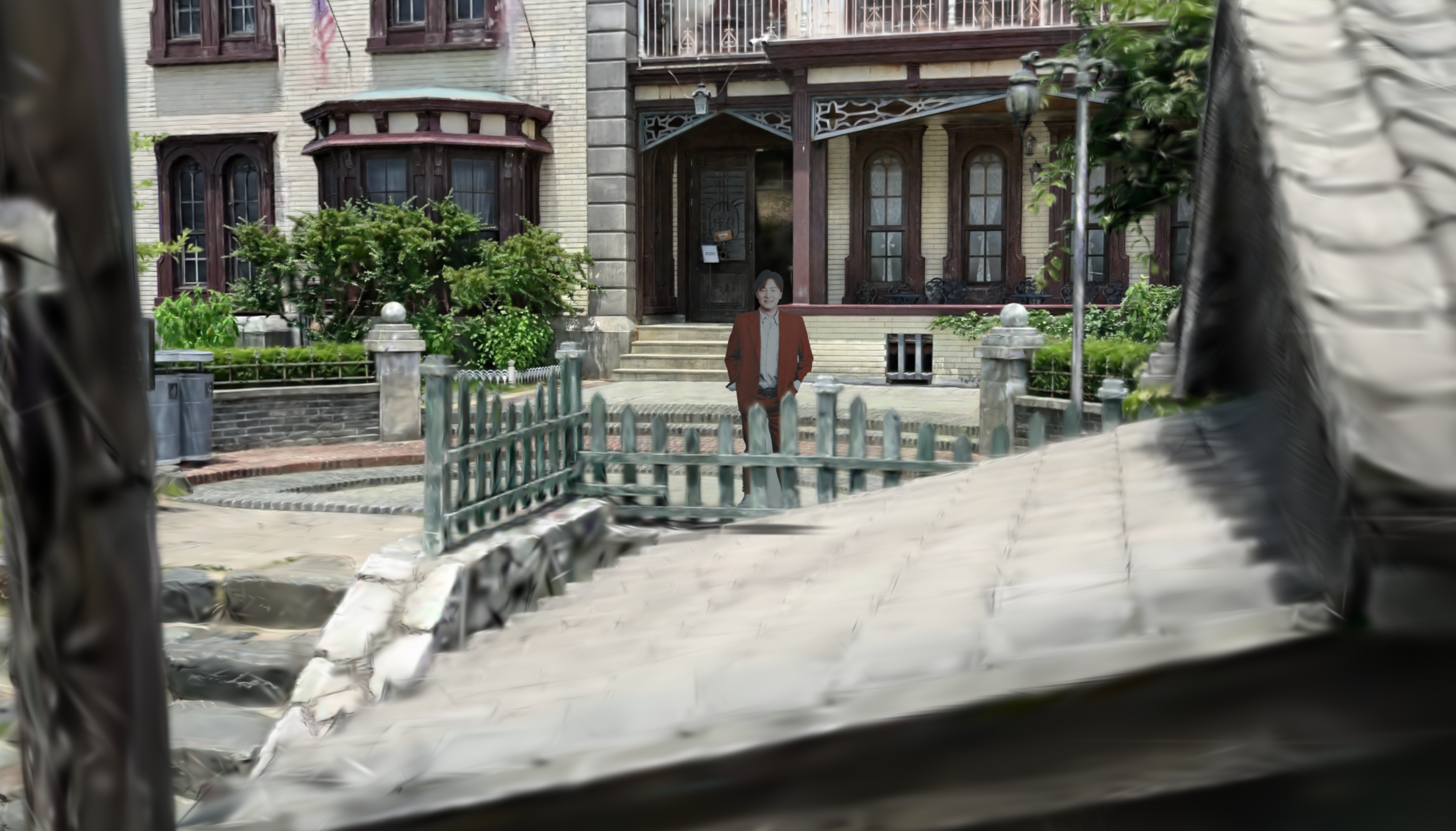
3DGS Render


I've fixed it. Problem was aximmetry camera's material.

This photo is captured at allow virtual On mode