Hi! I opened an old project made in an older version. I opened it in the new version, but the camera doesn't work from points A and B.
CAMERA LOCK
评论
anzaaximm
-
I updated from 2024.3.0 to 2025.3.0, but after that, the A and B settings on my cameras don't work. I can't even manually adjust A and B with the mouse. On version 2024.3.0 everything works and you can configure A and B
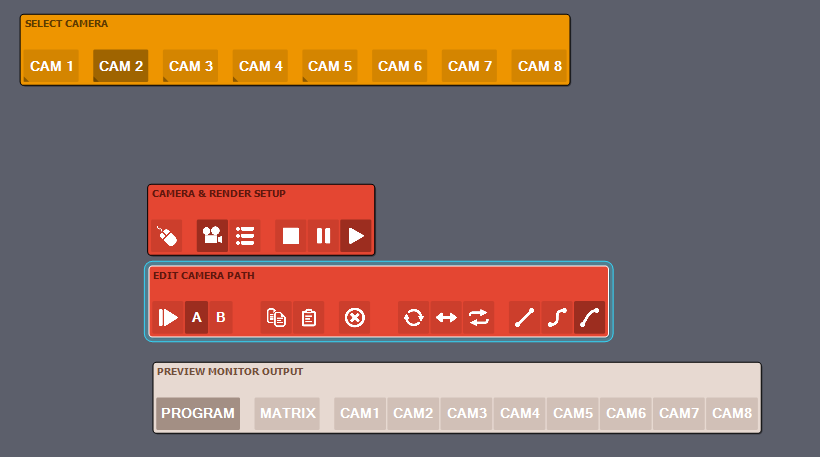
anzaaximm
-
There is also such a message

I added them from an older version, but it still doesn't work. CAM 1 can be configured, but the other cameras can't.
Eifert@Aximmetry
-
Hi,
Based on your log messages, it looks like the camera compound is open in your project. That means the issue is unrelated to what I mentioned in my previous reply.
If you update to a newer version of Aximmetry while using the same in-place modified camera compound, the compound will not update correctly. As a result, some logic inside the camera compound may be updated, while other parts remain from the previous version.
Before proceeding, back up any changes you made to the camera compound. Then, right-click the camera compound and choose Revert In-Place Modification:
Once this is done, you can open the camera compound again and reapply any changes you had previously made.
More information about linked compounds is available here:
https://aximmetry.com/learn/virtual-production-workflow/scripting-in-aximmetry/flow-editor/compound/#linked-compound
Warmest regards,
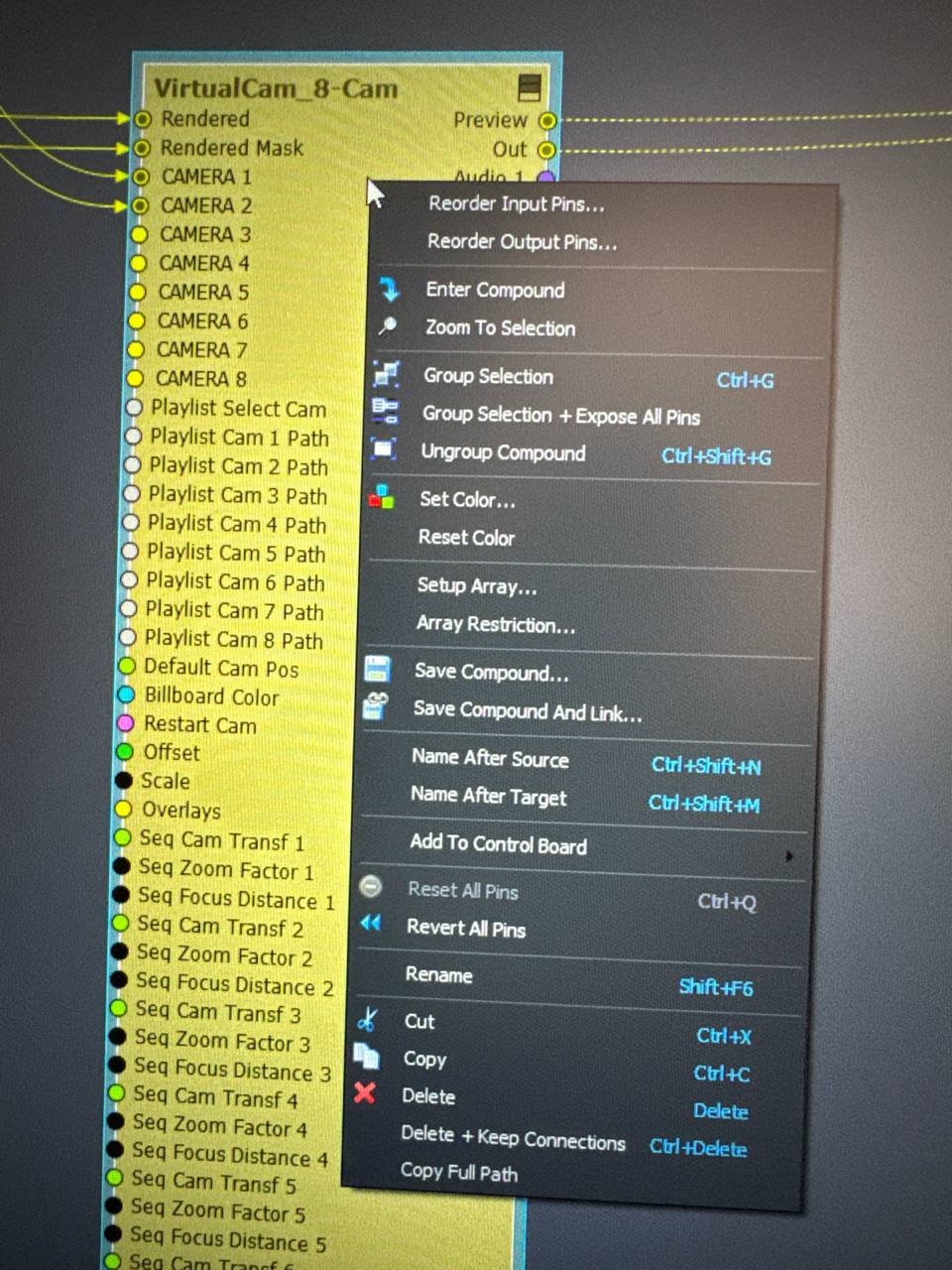
Hi,
We need a little more information to investigate this. Could you please let us know which Aximmetry version you updated from and which version you updated to?
Also, could you clarify whether you cannot set new points for A and B, or whether the points you had previously set for A and B in the previous version of Aximmetry were lost?
We are aware of an issue that could, in some cases, cause the Method parameters to be lost for tracked cameras if the parameters had been changed from their default values. Which could look like you lost or changed the A Position and B Position parameters, even though their values are still saved there and are unchanged:
Note, however, that if you updated directly to 2026.2.0, the settings should not have been lost, and the issue is fixed in version 2026.2.0.
Warmest regards,