If you are referring to a recorded video captured with a moving camera but without any tracking data, you will first need to use third-party software to generate the tracking data from the video. Note that Aximmetry is designed primarily for real-time productions, which is why it does not include such functionality.
An error occurred while uploading, please try again.
Cookie consent
Our website uses cookies to give you the best online experience, also we use other technologies to improve
and analyze our website traffic, and to understand where our visitors are coming from.
Hi Jose,
You can use the Record and Playback panels:
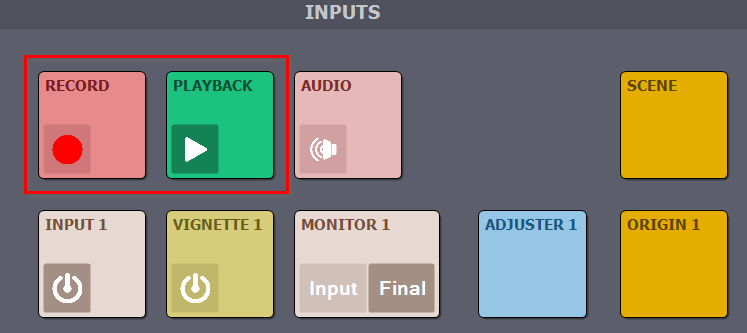
More about them here: https://aximmetry.com/learn/virtual-production-workflow/setting-up-inputs-outputs-for-virtual-production/video/recording/how-to-record-camera-tracking-data/#input-recording-1
If you are referring to a recorded video captured with a moving camera but without any tracking data, you will first need to use third-party software to generate the tracking data from the video. Note that Aximmetry is designed primarily for real-time productions, which is why it does not include such functionality.
Warmest regards,