########################################## EDIT ############################################
After turning Lumen GI off the scene gets more stable. Still getting an SDI Input error but it takes longer. Can this be the solution!?
########################################## EDIT 2############################################
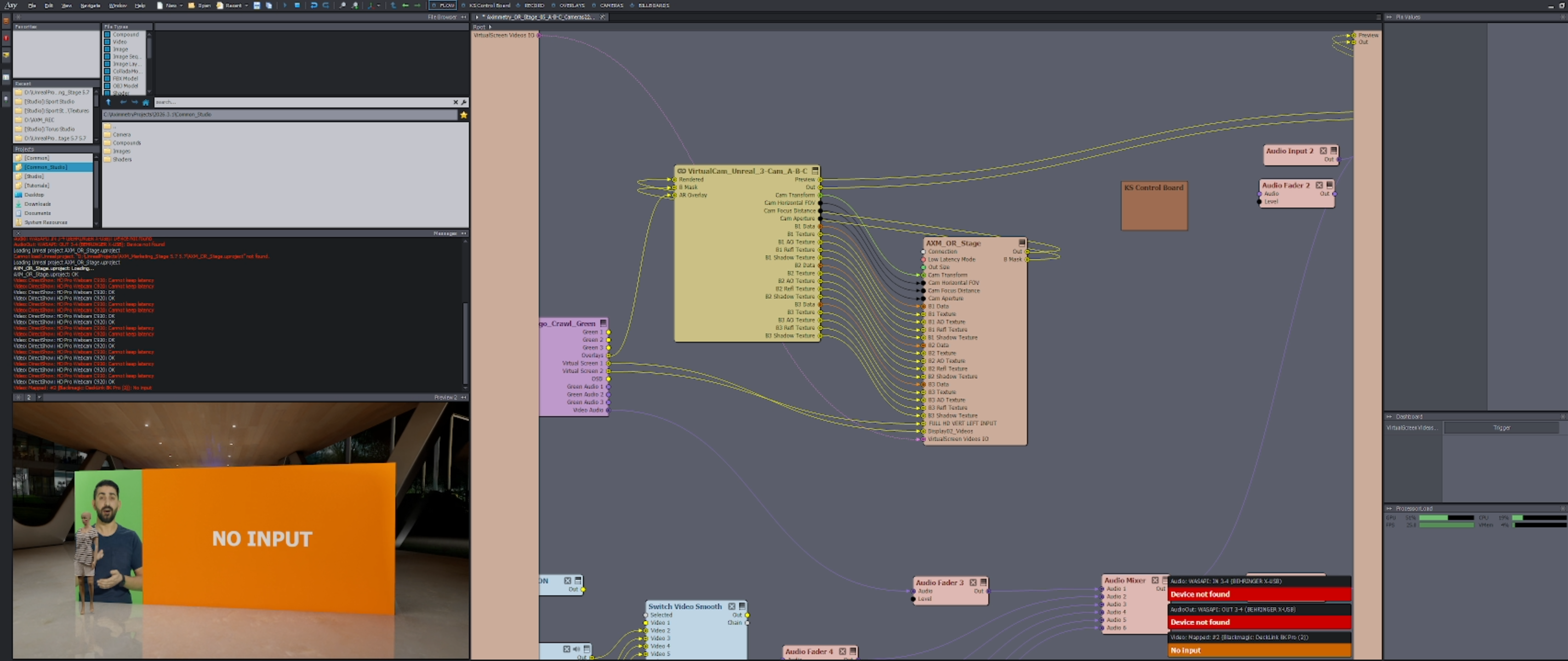
Super weird. I did this test 2 times and after around 40 minutes SDI 2 (presentation PC) gets "no input" and then after around 60 minutes SDI 1 (Camera 1) gets thrown off by "no input".
#############################################################################################
Hi there,
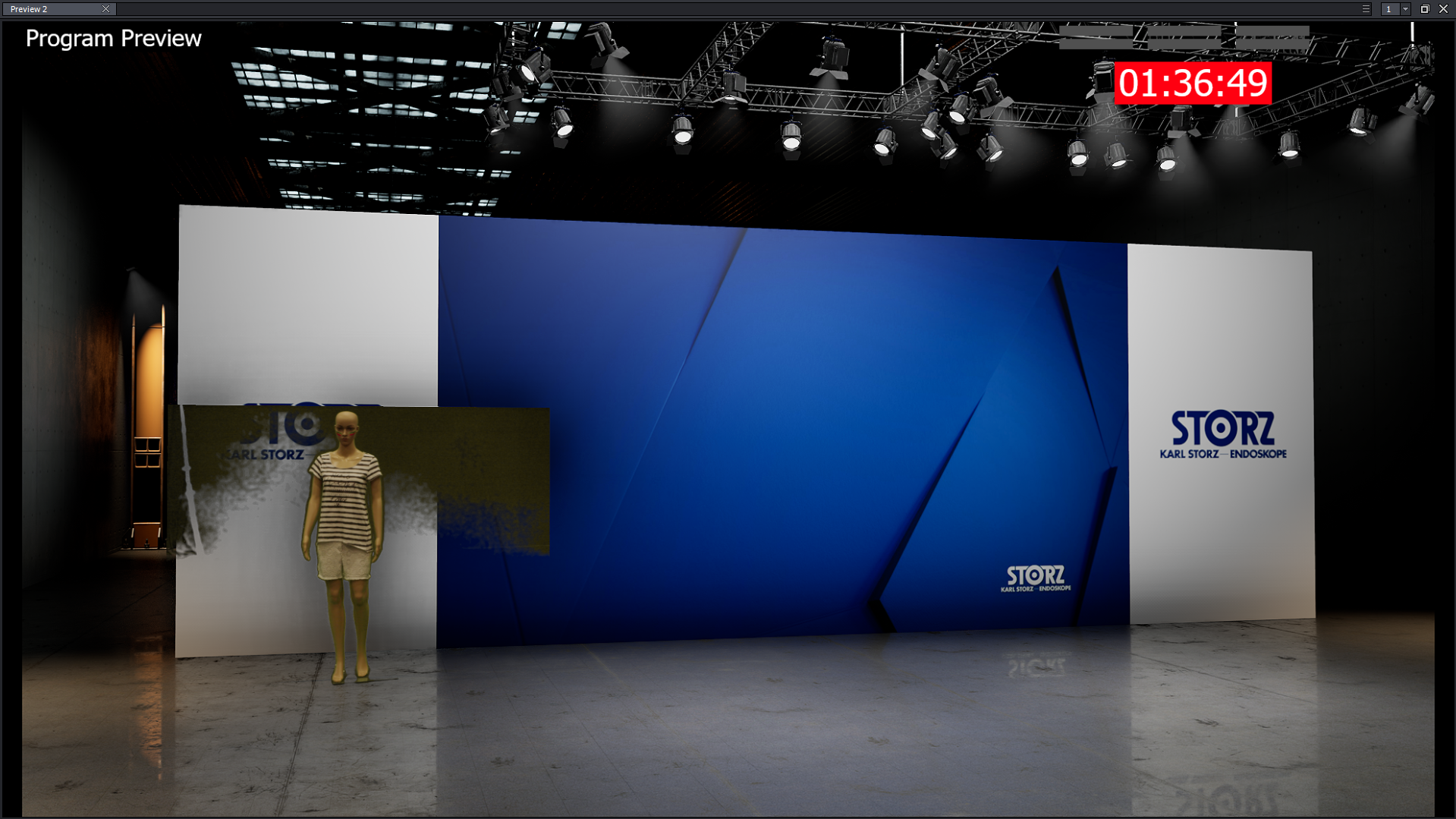
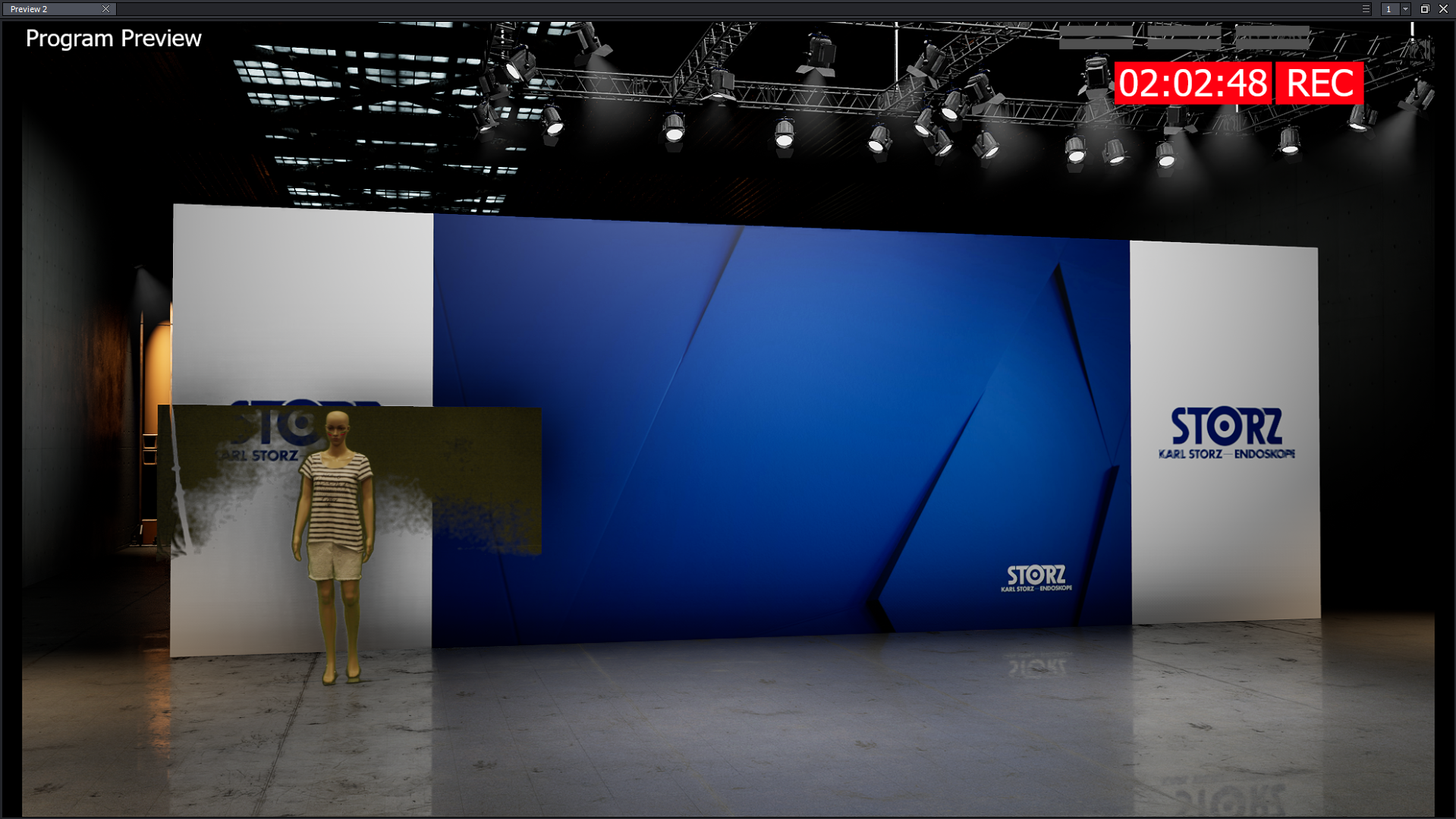
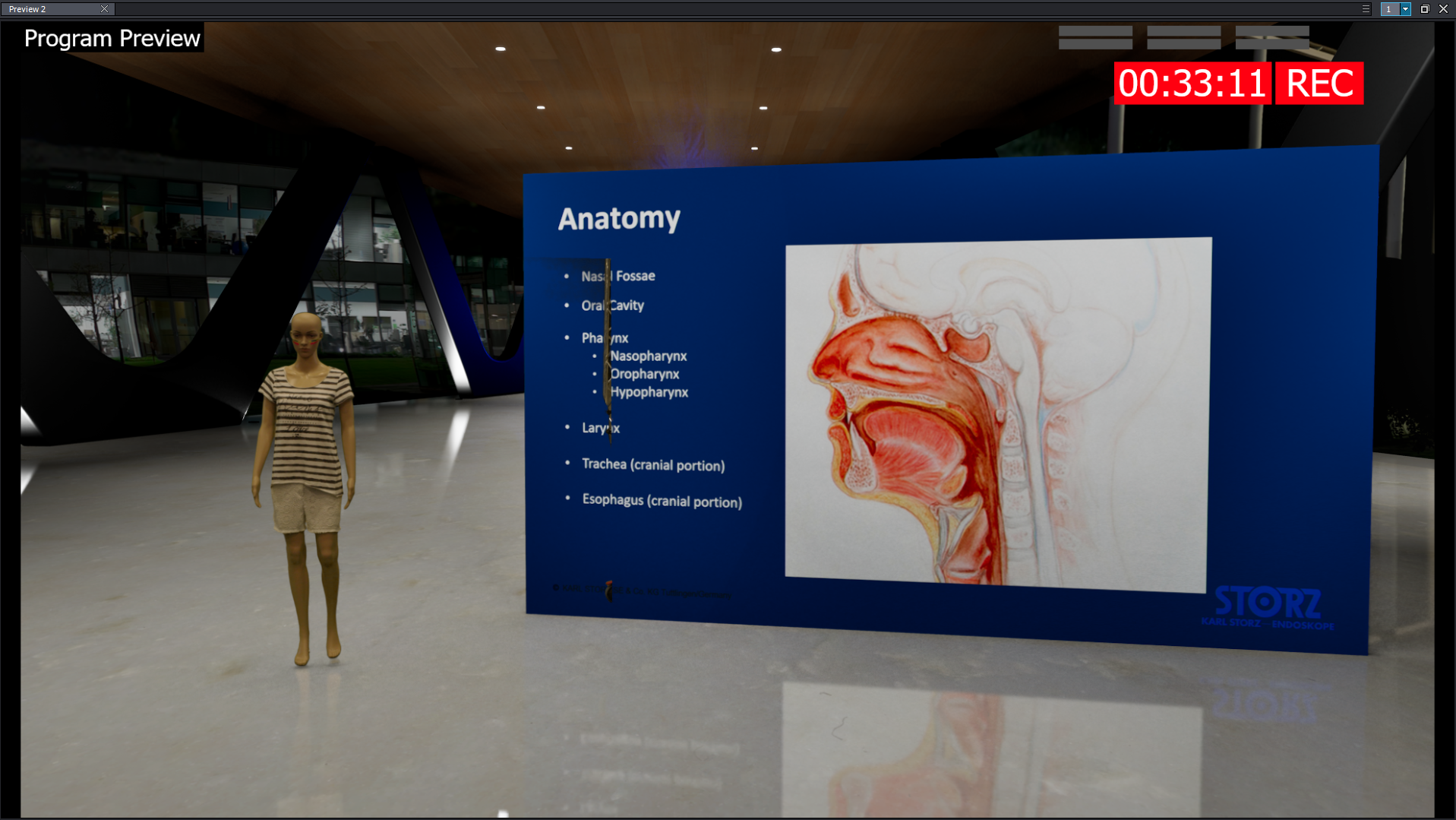
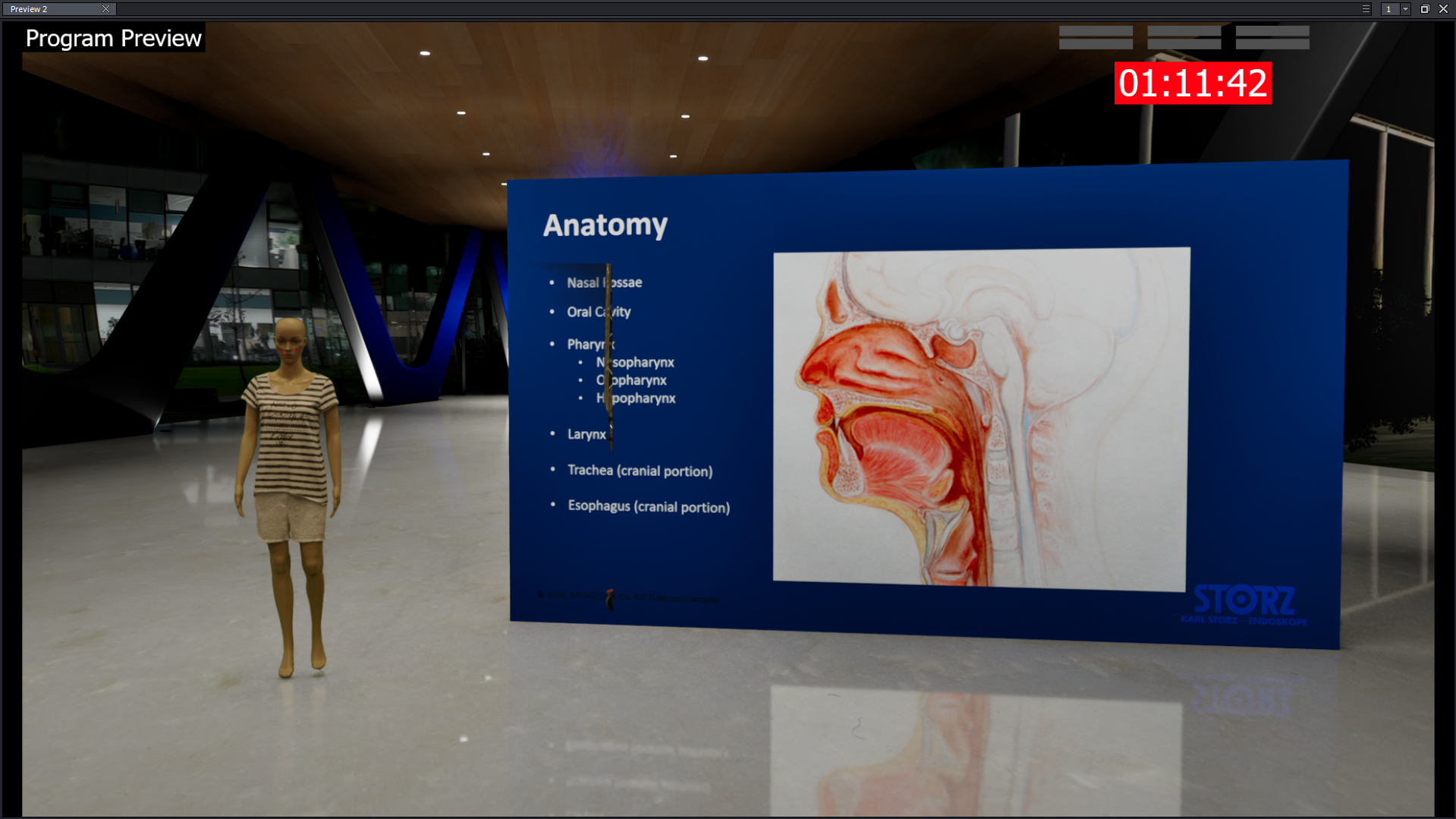
we have still a terrible issue inside of Aximmetry 2026.3.1 (so far I remember this occured in all of our scene in the last versions).
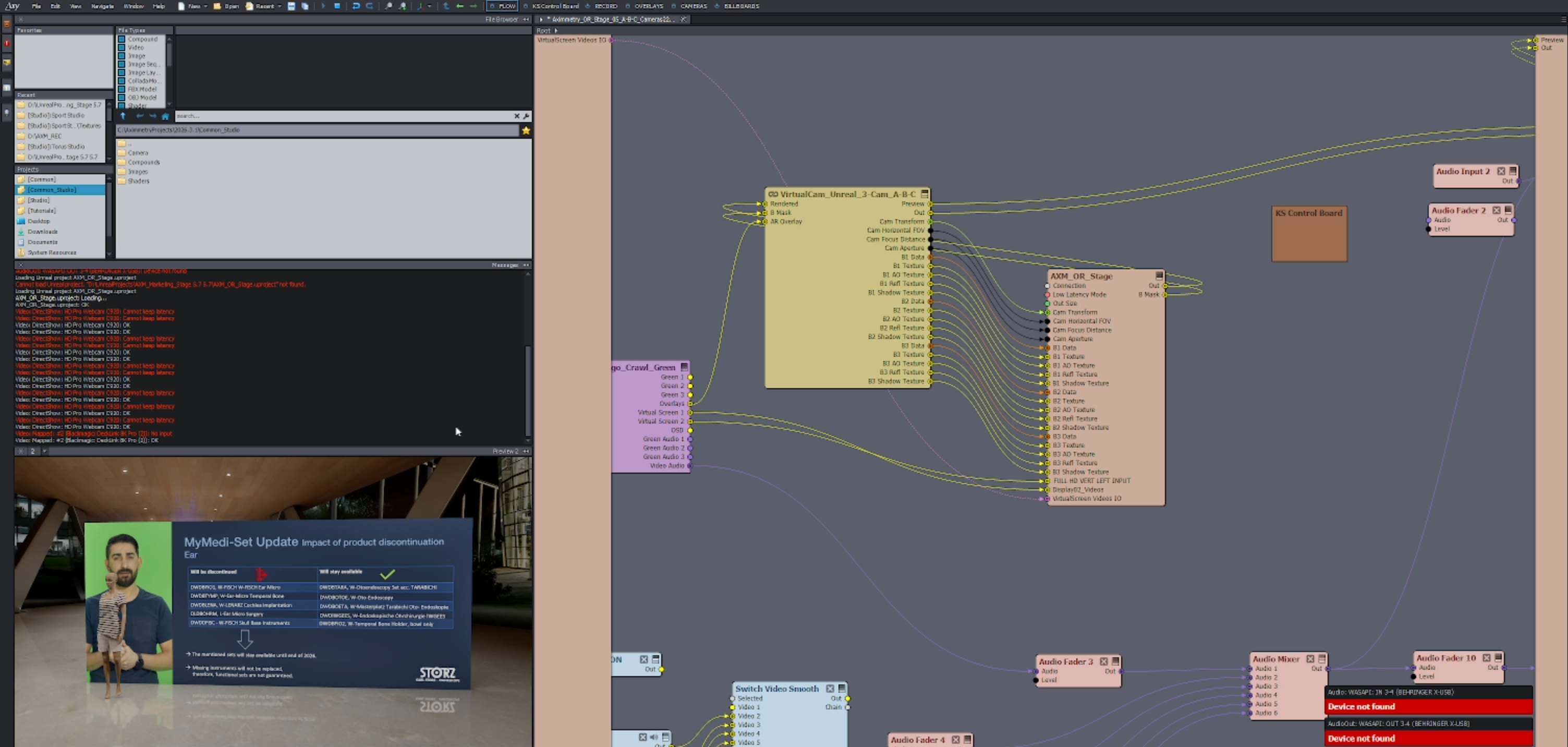
After a while (it changes, there is no pattern. it can take 1 minute after starting or 30.) we are loosing our SDI inputs.
We have 2 SDI input (camera / presentation pc) feeding into our Decklink 8k card.
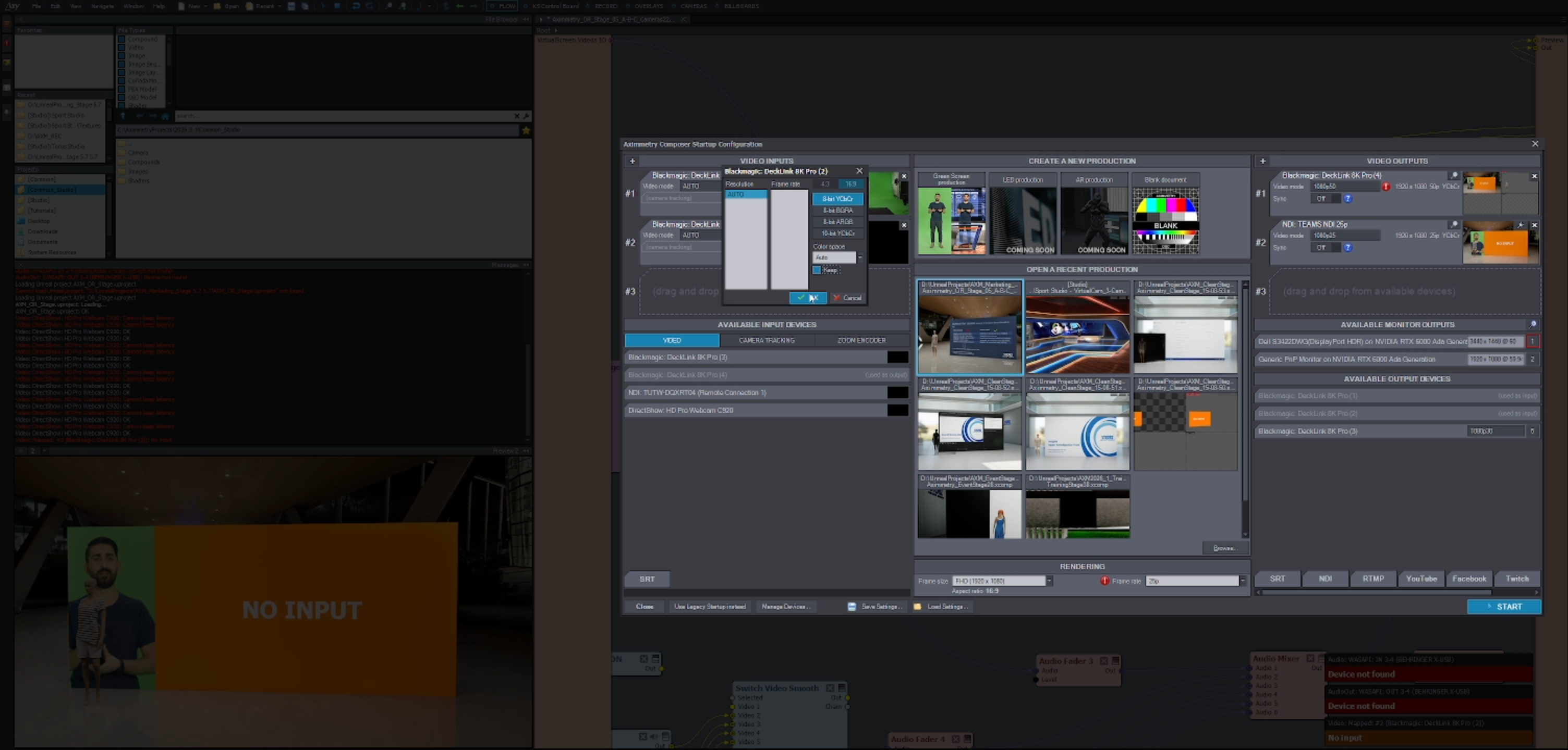
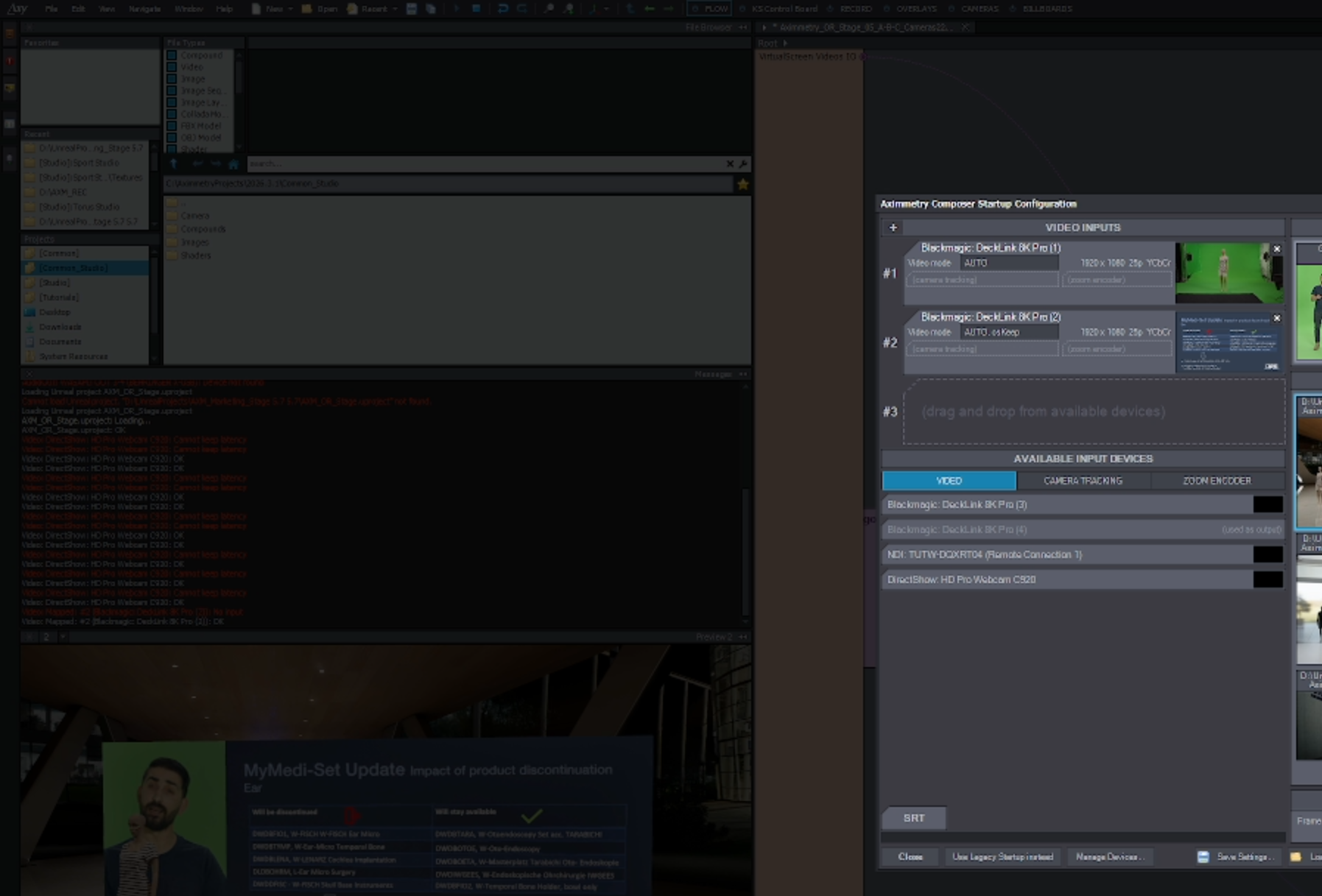
I have to go then into the Startup Configuration screen and make a change to the color space (from Auto to sRGB or just activating the "Keep" box) and the SDI input is back up. The GPU and CPU have plenty of power left. So there is no shortage in that area.
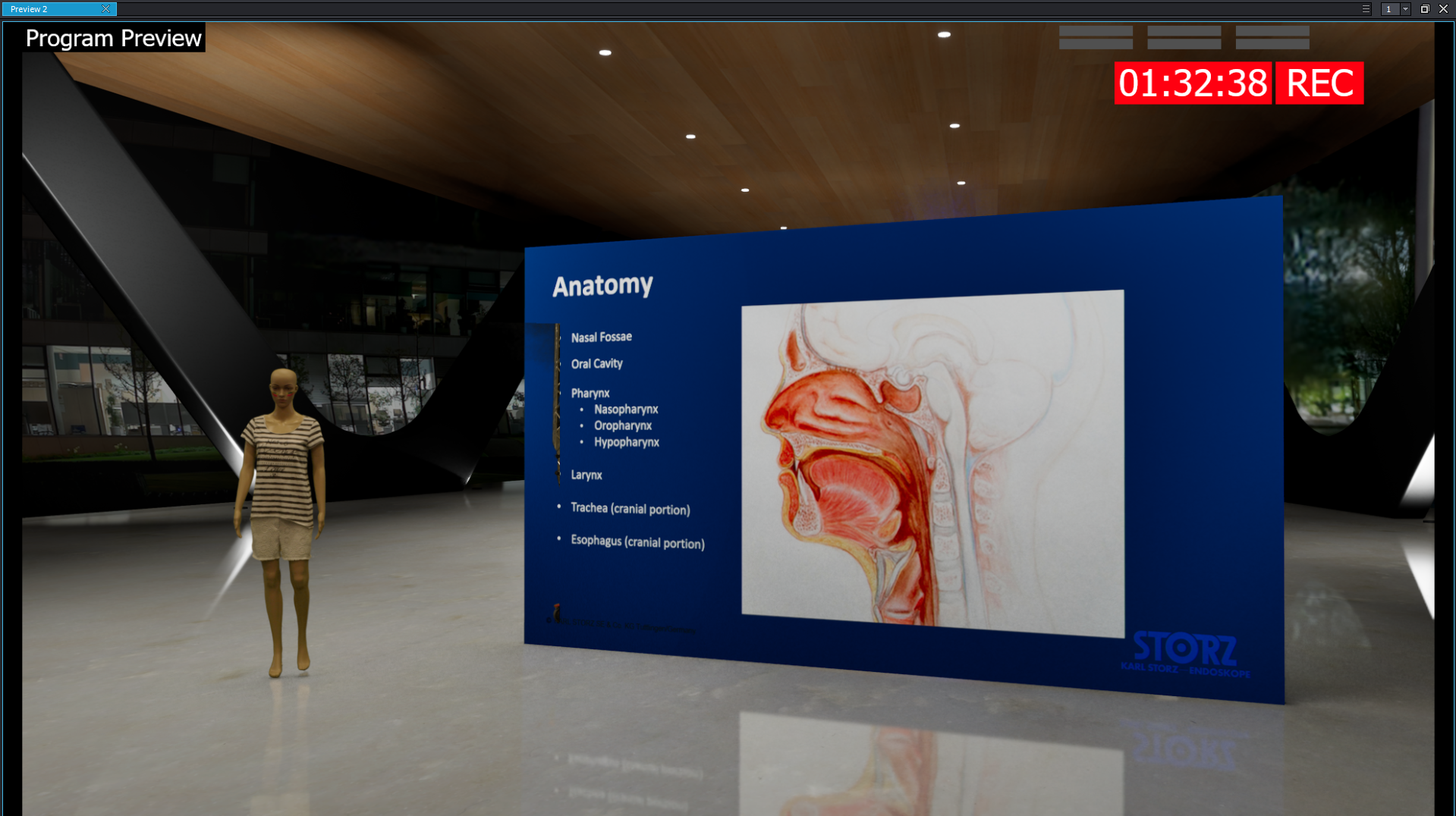
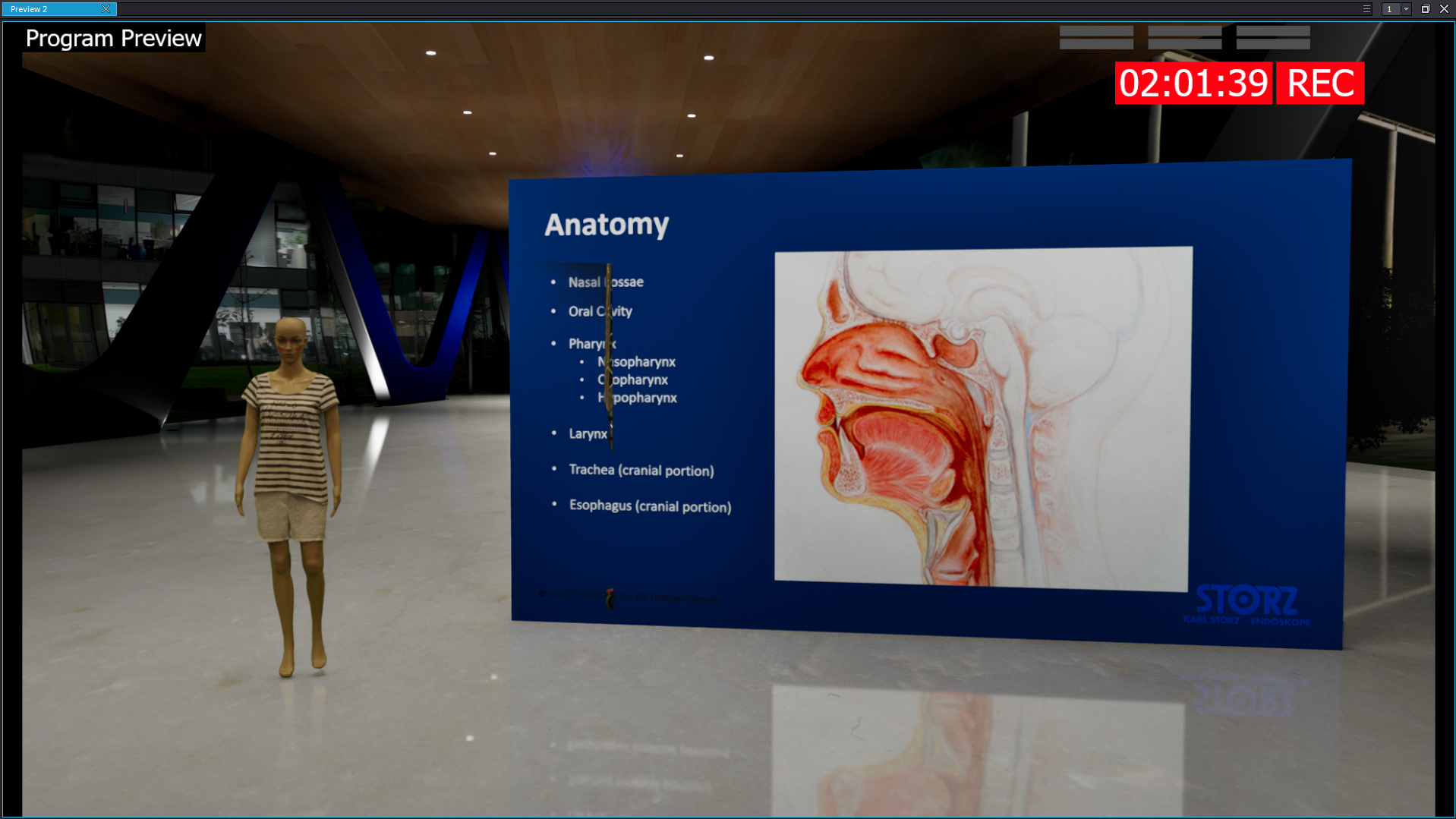
Video explanation
https://youtu.be/u7tWYDwgNSQ
I remember that we haven't had these errors in the 2025 versions of Aximmetry. We haven't changed hardware since then. The only thing I have changed is cranking up the Lumen settings inside of Unreal to get rid of some texture crawling artifacts. But I did the same test with Aximmetry's Sport Studio set and their render engine. Same problem!!!
Best regards,
Marc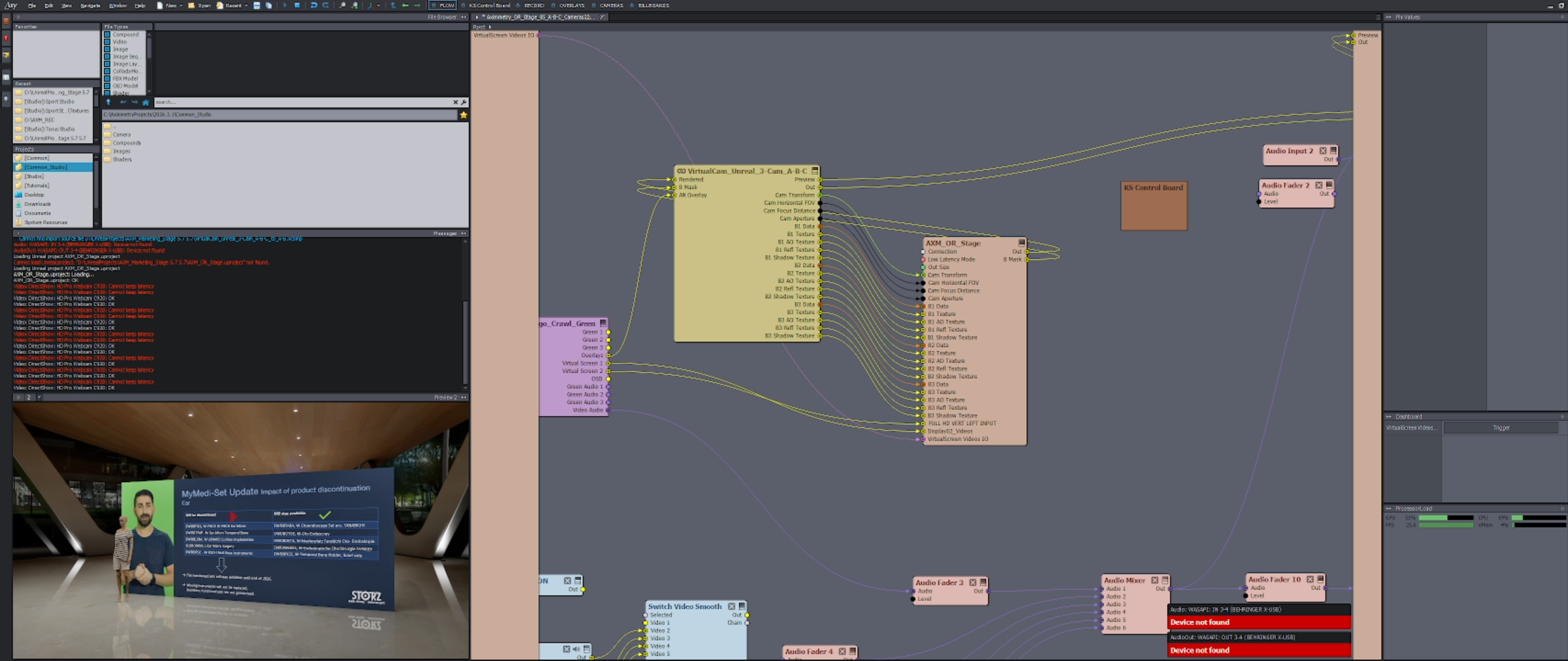
Hello,
Could you please check a few things for us?
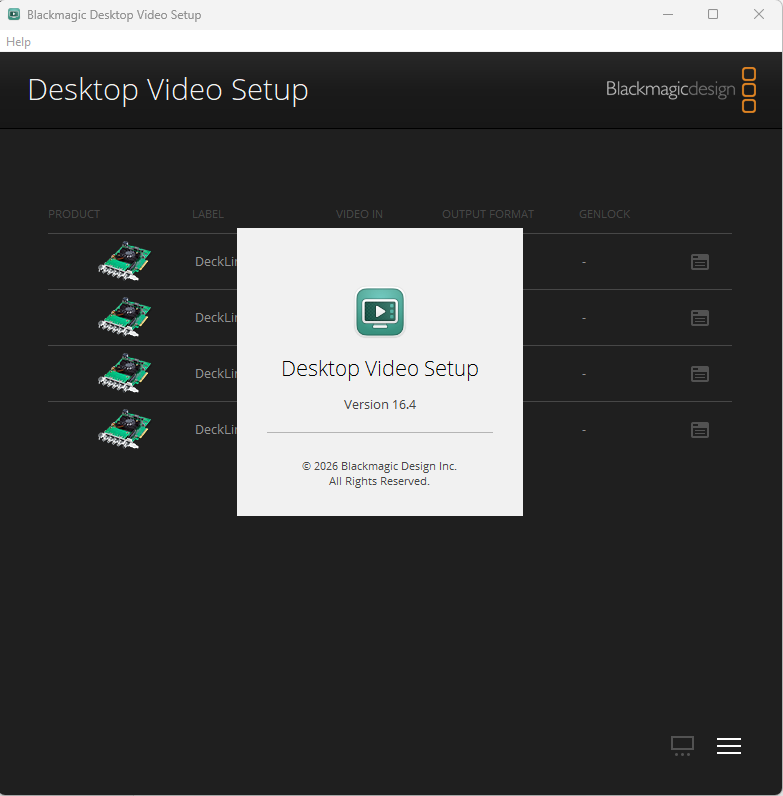
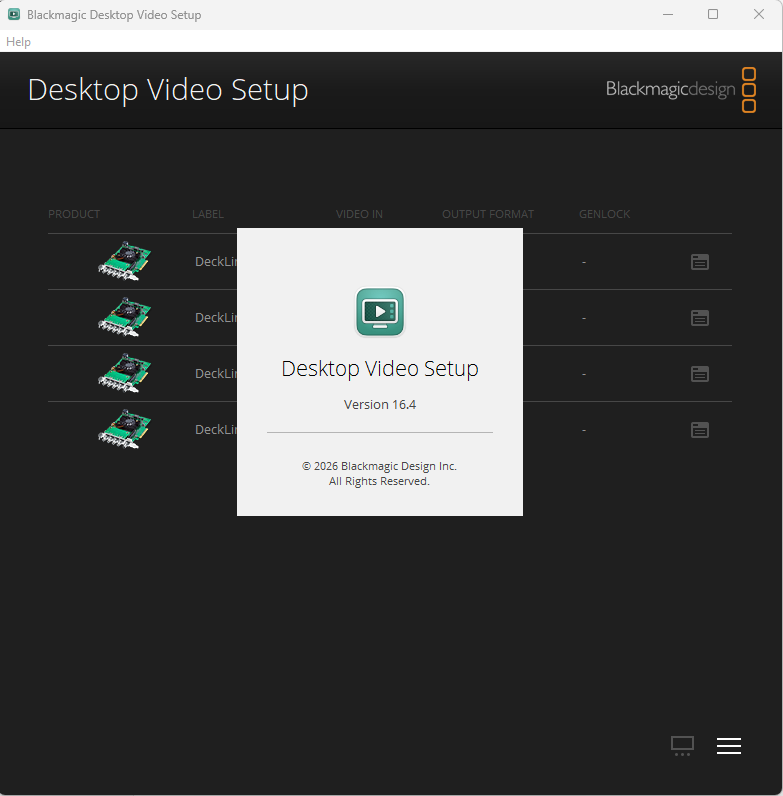
What is the software / firmware version of the BM card?
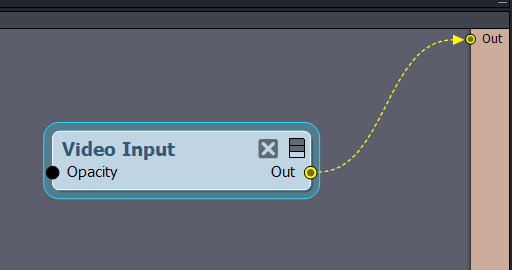
Does the same issue happen if you only put in a video input module select the problematic BM input, and don't load any scenes? like so:
Thank you,
Patrik