Hi everyone,
I need some help with the RE_Bliss_MixedCam_Unreal_3+3-Cam compound (Aximmetry DE 2024.2, cooked Unreal scene, REtracker Bliss tracking).
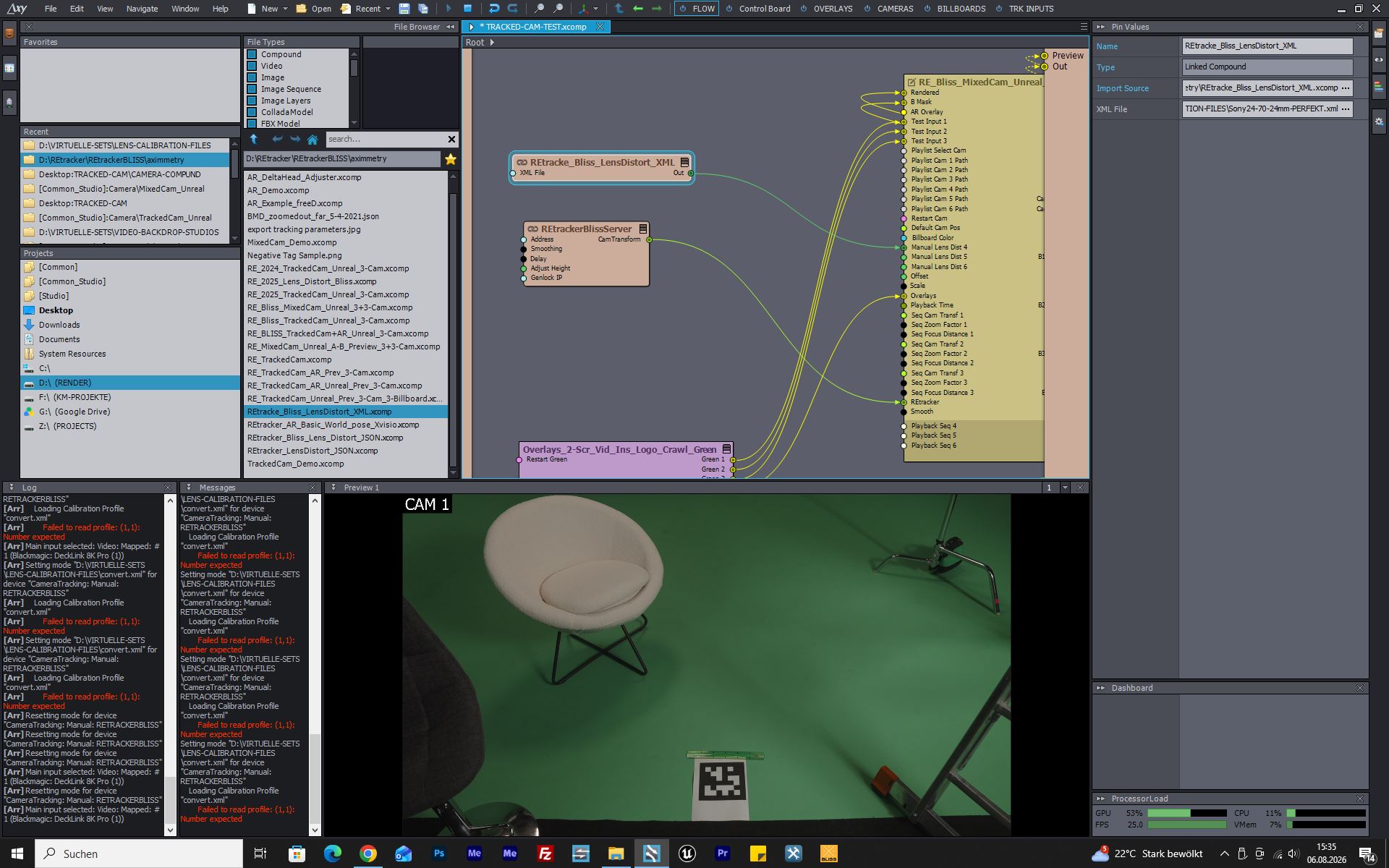
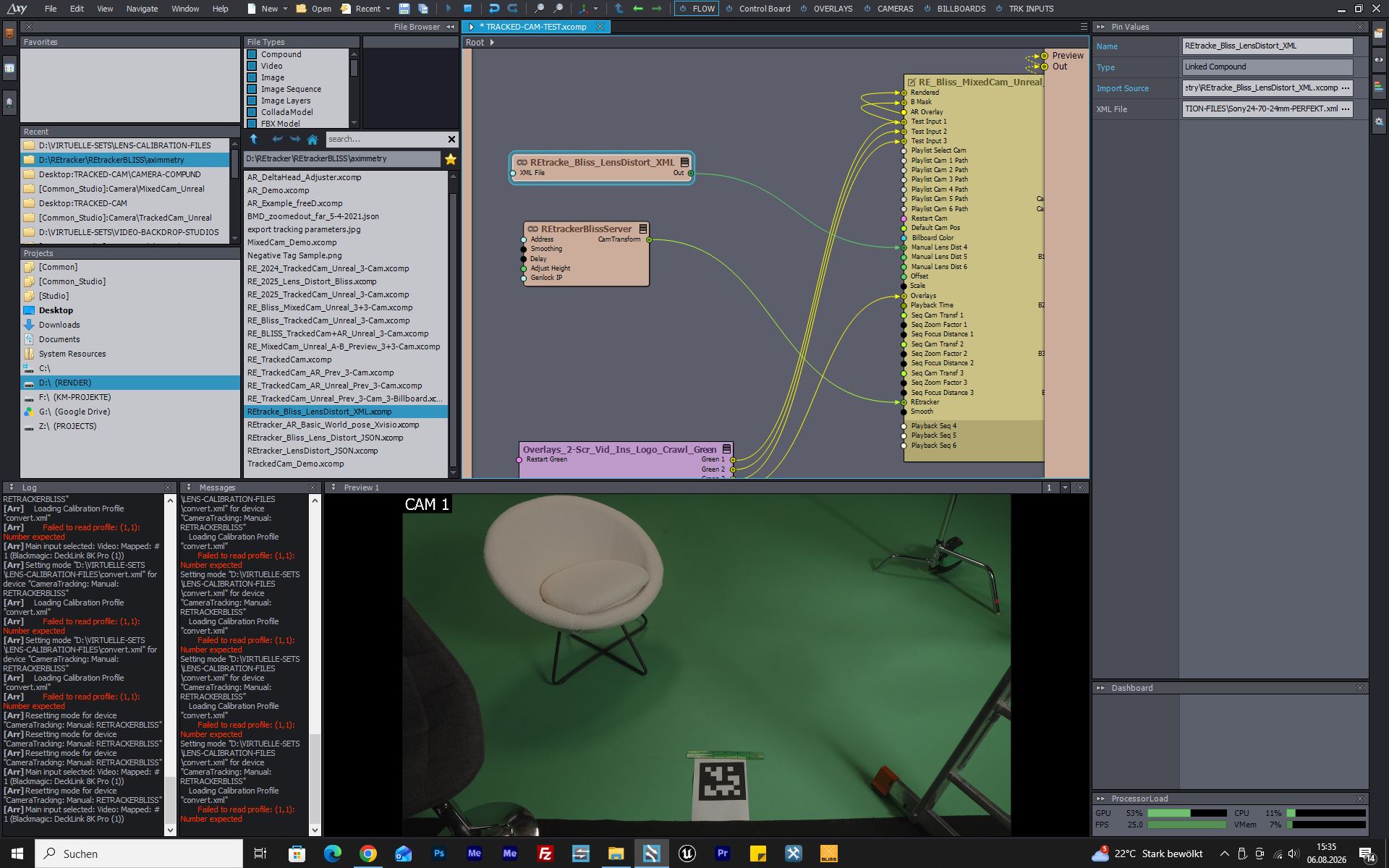
My wiring: REtrackerBlissServer → CamTransform into the compound's REtracker pin, and the REtracker lens XML into Manual Lens Dist 4. Are these pins connected correctly, or am I missing something?
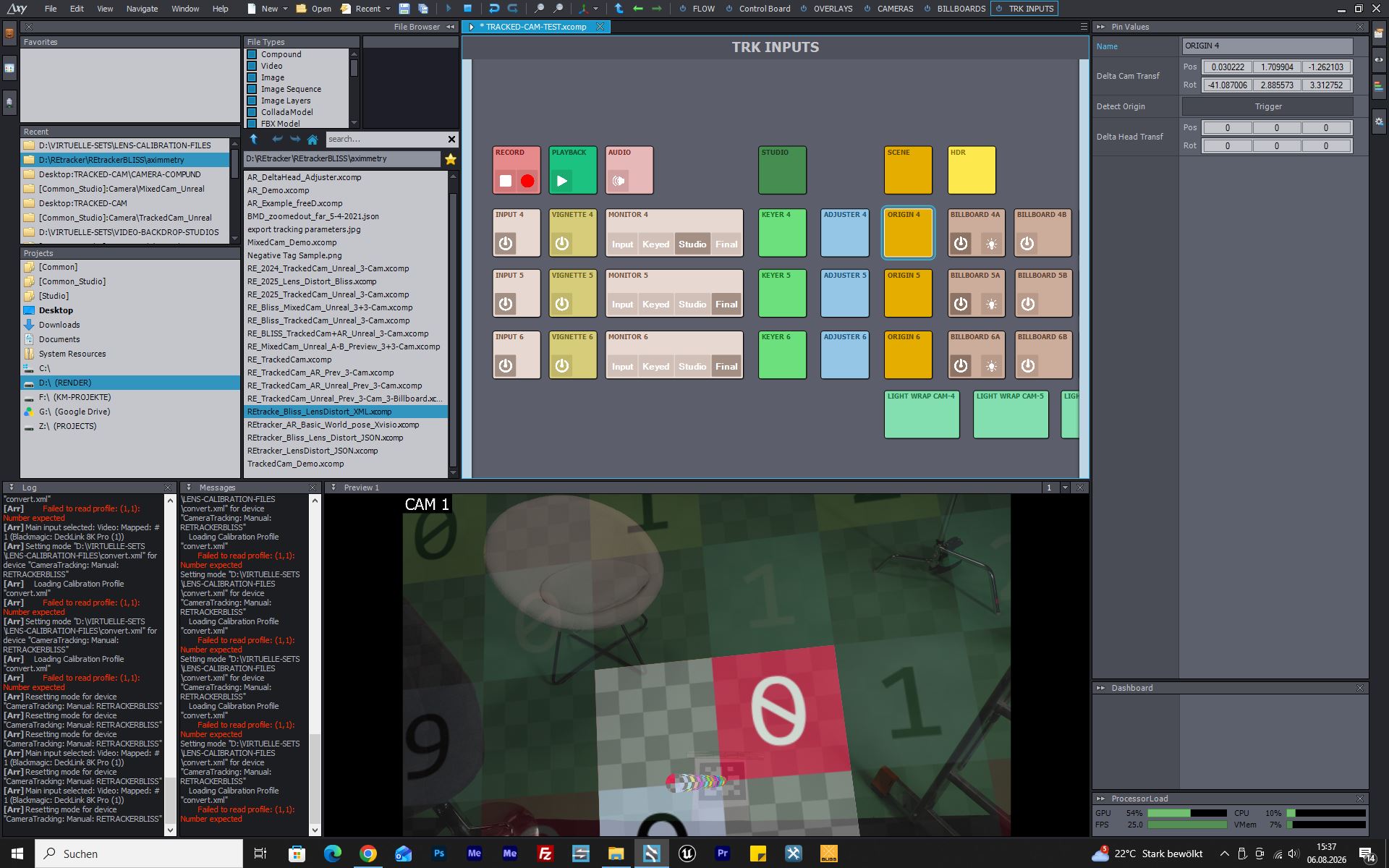
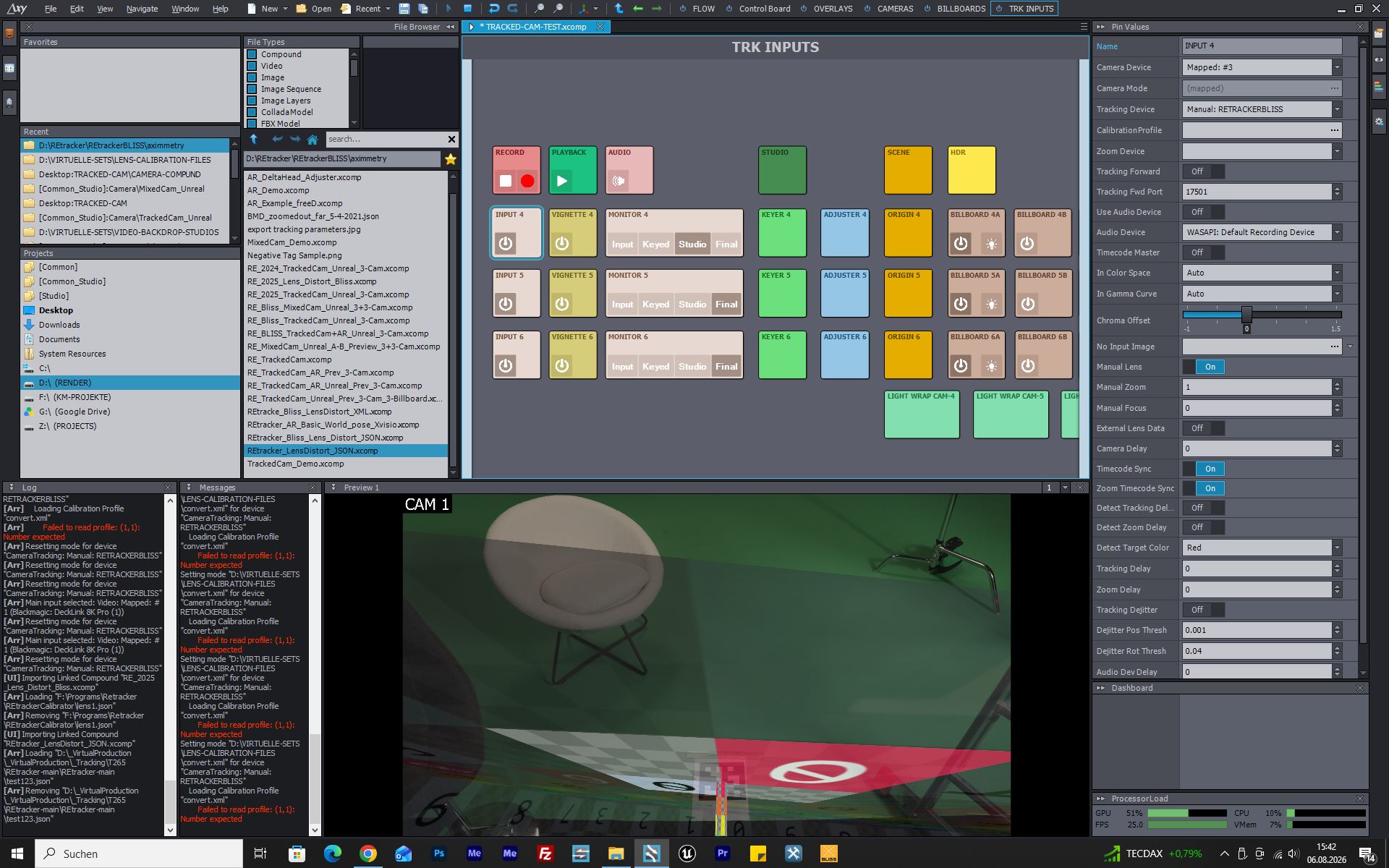
The tracking itself works (transform values update live), but the positioning is completely off. Whenever I click the Detect Origin trigger with the printed tag, everything ends up totally wrong (scene tilted/rotated). And as soon as I switch Manual Lens to ON and push the trigger button on the tracked input, the whole image flips upside down (see 4th screenshot).
Has anyone gotten this compound running and knows what I'm doing wrong? Grateful for any help!
Hi thecolorzero,
As your setup uses multiple custom-made compounds (such as REtrackerBlissServer and RE_Bliss_MixedCam_Unreal), and we are not familiar with their inner workings, we would advise reaching out to their creator for troubleshooting support.
Another option is to use Free-D for tracking, which RETracker Bliss supports. This would allow you to work with Aximmetry's built-in camera compounds, which should solve the anomaly you experienced with Detect Origin.
You can read about how to setup Free-D in our documentation:
https://aximmetry.com/learn/virtual-production-workflow/tracking/setting-up-specific-tracking-systems/setting-up-free-d-systems/
If you decide to go this route, Aximmetry's Camera Calibrator can be used to calibrate your lens and tracking, and the result can then be applied in the Calibration Profile parameter of the INPUT X control panel. Further information is available here:
https://aximmetry.com/learn/virtual-production-workflow/tracking/calibration/camera-calibrator/
Warmest regards,
Adam