Hi everyone,
I'm working in a multi-machine environment with Aximmetry 2025 3.0.
We have multiple virtual screens and also use billboards. When the postprocess bloom is active, the highlights of said screens misinterpret and emit a pink lighting. I'm joining pics of the problem, first one with bloom active and second one without. I love pink, but this is a little much. Jokes aside, bloom is a very important step for us to be satisfied with the output of our virtual production. We need to use this setting, and this problem prevents us from fine tuning our scene.
I personnally think the problem comes from a misinterpretation of the highlights caused by a color space transition. The higher values are not matched in aximmetry default color space. We tried changing the output or input color space, and also tried clamping values in the materials used for our screens.
Please, how can we fix this problem ?
Thank you so much in advance,
Philomène @FranceTélévisions
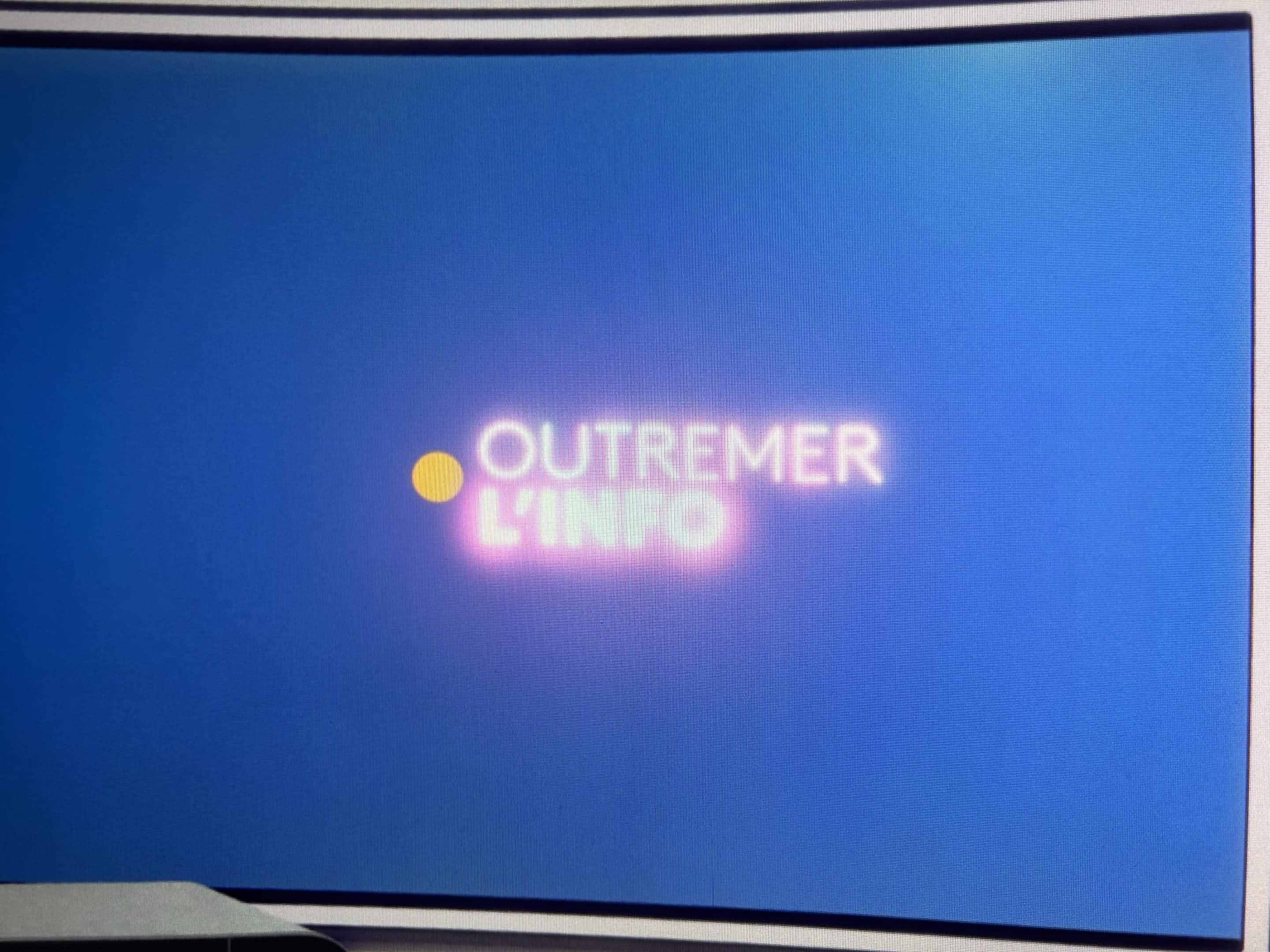

Hi,
I assume you are using the Aximmetry Virtual Screen asset.
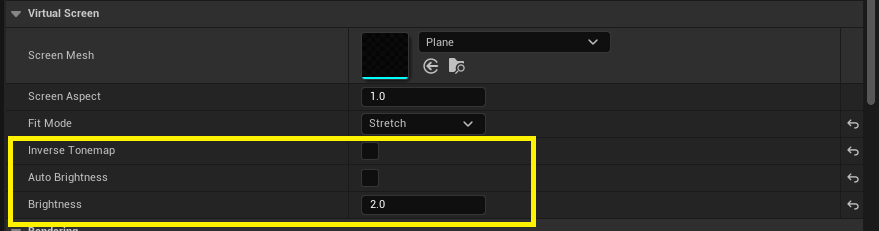
This is caused by technical limitations in UE.
In this case, you can turn off Inverse Tonemap and Auto Brightness, then adjust the Brightness by hand until you are happy with the bloom amount.
Alternatively you can:
- play with the parameters(brightness/color) of the input to find a sweet spot where the bloom is visible but does not get strange colors
- Add bloom in Aximmetry
Best Regards,
Patrik