During the LUT (Look-Up Table) measurement stage in Aximmetry software, after completing the pre-processing step of Vignette Correction, an error prompt appears when progress reaches between 10% and 40%:
Measure Failed
The measurements weren't stable enough on the camera image
Make sure nothing is obstructing the Camera's View
Make sure the Camera Image isn't flickering
How to resolve this issue?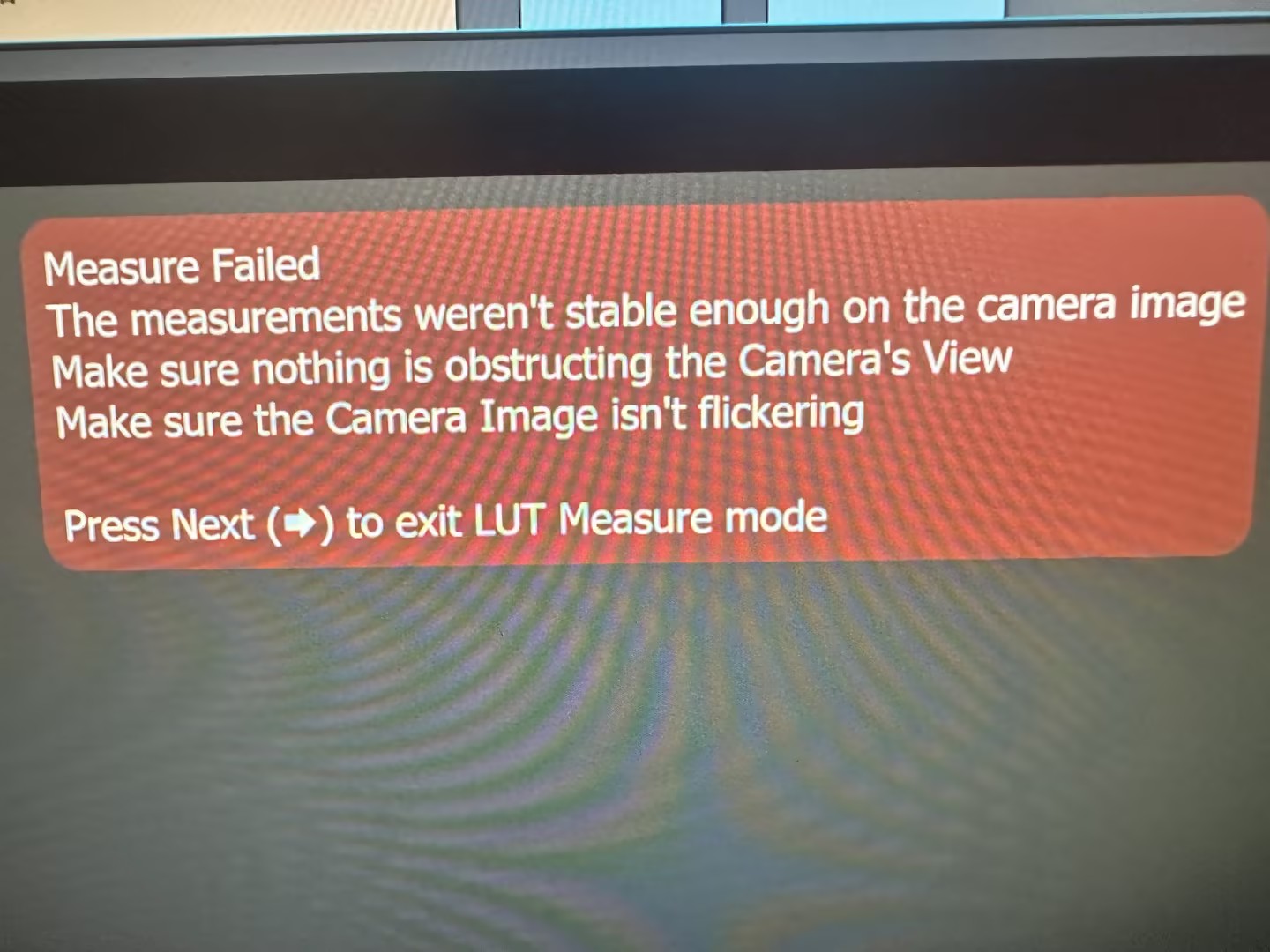
Error Summary: Unstable Camera Image During LUT Measurement in Aximmetry
コメント
Eifert@Aximmetry
-
Hi,
This could still be a flickering issue, which often occurs when your camera and the LED wall are running at different refresh rates (frame rates). Alternatively, the error message you encountered might not be entirely accurate, and the problem could be something else, such as a Moiré pattern.To better diagnose the issue, it would be helpful to see a recording of the LED wall's screen from within Aximmetry. This will allow us to observe what the LED wall’s screen looks like before pressing the LUT measurement button, which can help determine the source of the problem.
You can use the Video Recorder module in Aximmetry’s Flow Editor to easily record the output from Aximmetry.
Warmest regards,
In my setup, there are no obstructions in the camera's field of view, and the equipment is stable. Given the conditions mentioned above, this error persistently occurs.