Shadow Catchers and Reflection Catchers can be added by dragging and dropping them into your scene from the Content > Aximmetry_TrackedCam_AR > Blueprints folder in the Content Drawer panel:
After adding the Shadow Catcher to your scene, you're free to adjust its transformation as needed:
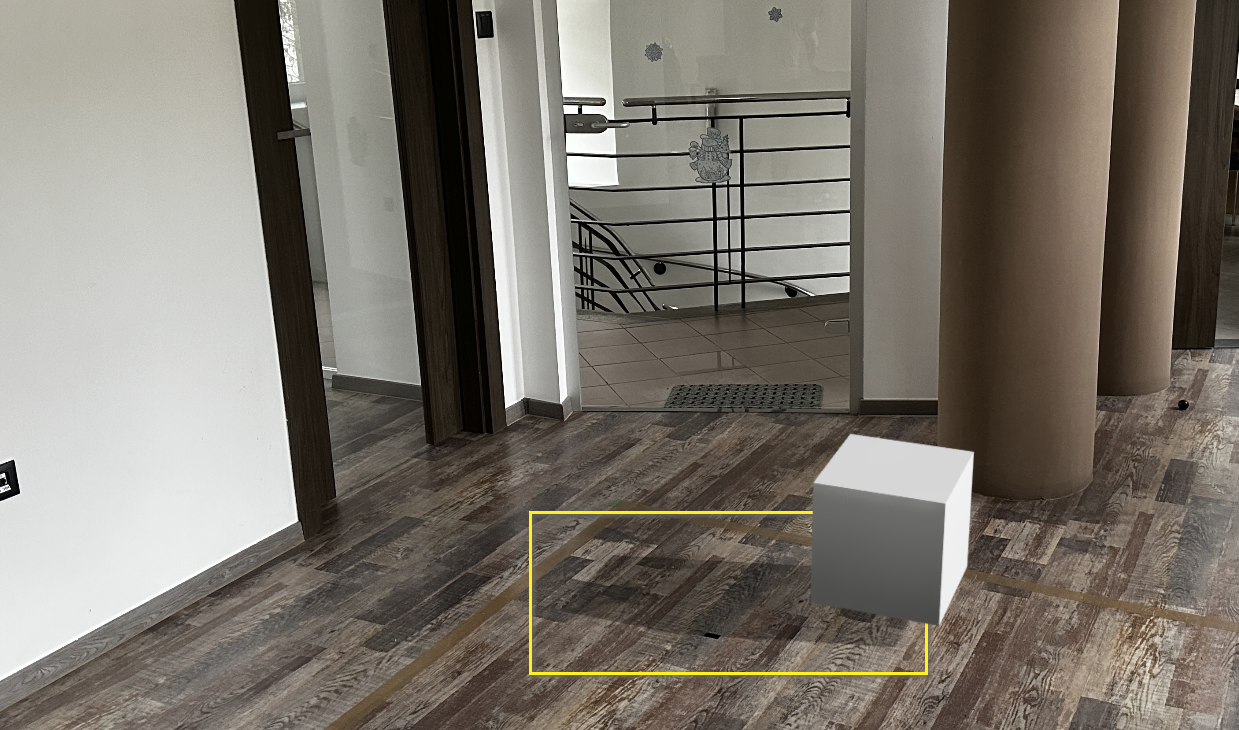
In Aximmetry, the Shadow Catcher’s physical plane won’t be visible; only the captured shadows will be displayed:
To fine-tune the shadows to match the real-world environment more naturally, adjust the Shadow Strength parameter from the CATCHERS panel in the Aximmetry INPUTS control board.
NOTE: Avoid adding the "AximmetryAR" tag to the Shadow Catcher; otherwise, its white material will become visible in Aximmetry. NOTE: LEDWallCam+AR and TrackedCam+AR cameras don't support shadow and reflection catchers yet.
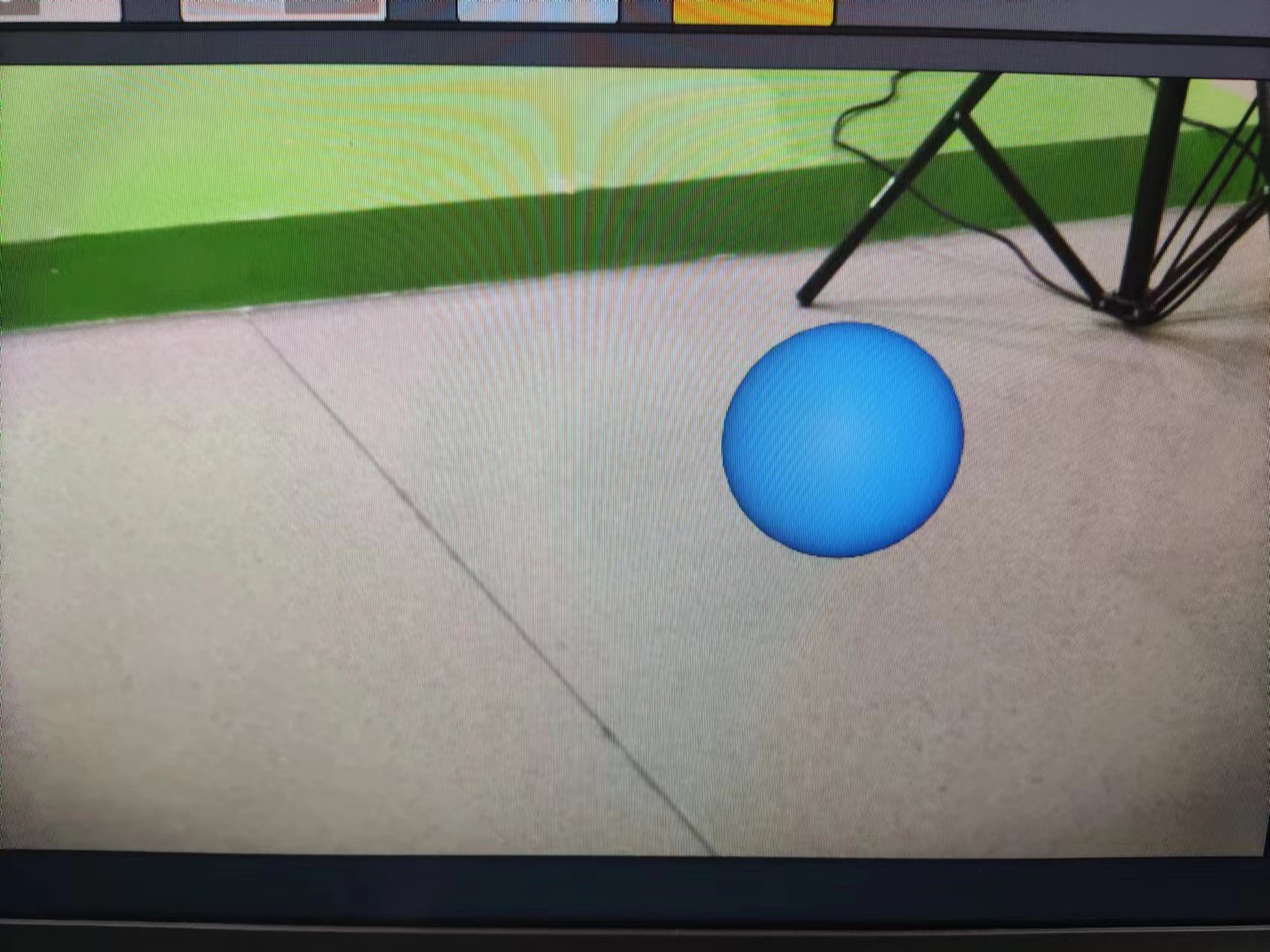
Hi,
You need to add a Shadow Catcher.
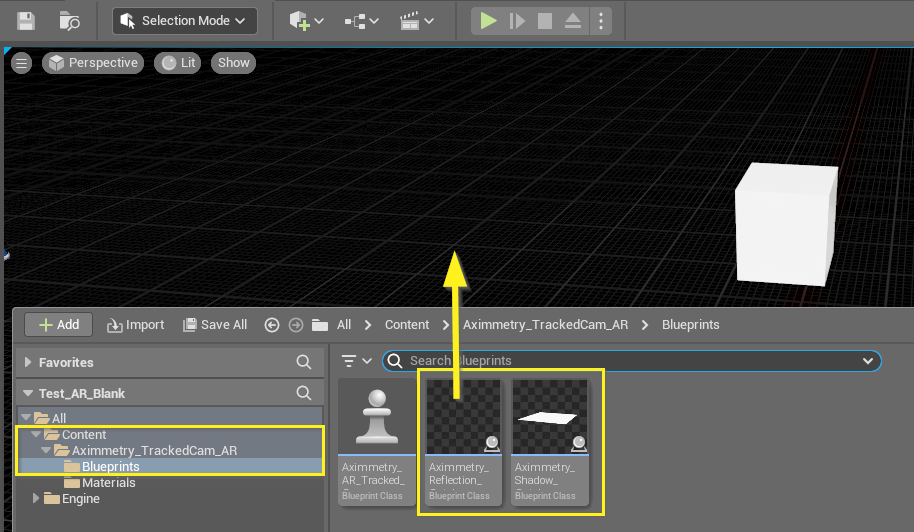

Shadow Catchers and Reflection Catchers can be added by dragging and dropping them into your scene from the Content > Aximmetry_TrackedCam_AR > Blueprints folder in the Content Drawer panel:
After adding the Shadow Catcher to your scene, you're free to adjust its transformation as needed:
In Aximmetry, the Shadow Catcher’s physical plane won’t be visible; only the captured shadows will be displayed:
To fine-tune the shadows to match the real-world environment more naturally, adjust the Shadow Strength parameter from the CATCHERS panel in the Aximmetry INPUTS control board.
NOTE: Avoid adding the "AximmetryAR" tag to the Shadow Catcher; otherwise, its white material will become visible in Aximmetry.
NOTE: LEDWallCam+AR and TrackedCam+AR cameras don't support shadow and reflection catchers yet.
Warmest regards,